
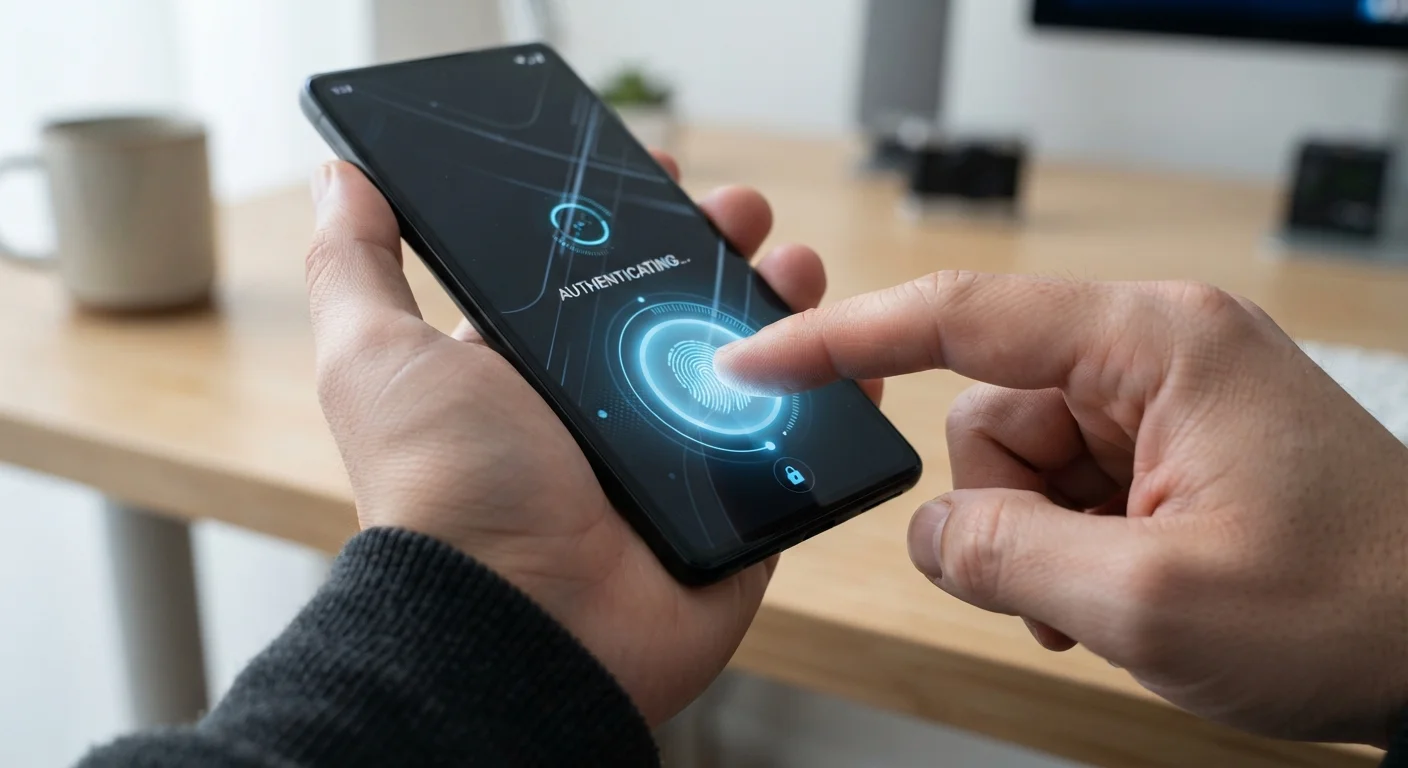
How Fingerprint Sensors Work
Fingerprint sensors are the most widely deployed form of biometric authentication on smartphones. There are two dominant types in use today.
Capacitive sensors - typically embedded in the side button or home button - measure tiny electrical differences created by the ridges and valleys of your fingertip. They are fast, reliable, and effective even in dim lighting. Under-display optical sensors, common on many full-screen phones, use light reflected off your finger to capture an image and compare it against your stored template.
A third technology, ultrasonic fingerprint sensors, uses high-frequency sound waves to create a three-dimensional map of the fingerprint, making it more resistant to spoofing with a two-dimensional print replica. Regardless of type, the sensor never stores a photograph of your fingerprint - only an encrypted template that the device uses for comparison.
Improve Fingerprint Enrollment Accuracy
To improve reliability, try enrolling the same finger twice during setup - once normally, and once at the slight angles you naturally use when reaching for your phone. Many operating systems allow multiple enrollments, and capturing edge-of-finger positions reduces failed reads significantly.
To improve reliability, try enrolling the same finger twice during setup - once normally, and once at the slight angles you naturally use when reaching for your phone.
Face Recognition: 2D vs. 3D Systems
Face unlock falls into two distinct categories that carry meaningfully different security levels.
2D face recognition uses the front-facing camera to capture a flat image of your face and compare it to your enrolled photo. This approach is fast and works in most lighting conditions, but it is more vulnerable to being unlocked with a photograph of the account holder. Manufacturers often label these systems as convenient rather than the most secure option, and they may not be permitted for authenticating mobile payments on some platforms.
3D face recognition uses an array of infrared sensors and a dot projector to build a detailed depth map of your facial geometry. This makes spoofing with a photo or a simple mask far more difficult. The tradeoff is additional front-facing hardware, which is why this technology tends to appear in higher-end devices.
Understanding which type your phone uses matters - check your device's documentation or smartphone spec glossary to identify what sensors are physically present.
1 in 50,000
False acceptance rate for fingerprint sensors
Many manufacturers cite a false acceptance rate of approximately 1 in 50,000 for capacitive fingerprint sensors, meaning a random person has a very low probability of unlocking your device.
1 in 1,000,000
False acceptance rate for 3D face recognition
Apple has publicly stated a 1 in 1,000,000 false acceptance rate for its infrared-based 3D face recognition system, compared to 1 in 50,000 for its fingerprint predecessor.
Iris Scanning and Its Trade-Offs
Iris scanning reads the unique, complex patterns of the colored ring around your pupil using a dedicated infrared camera. Because the iris contains more distinctive features than a fingerprint, iris recognition is considered one of the most accurate biometric methods available on consumer hardware.
In practice, iris scanning requires users to hold the phone at a specific distance and angle, and it can struggle in very bright outdoor light that overpowers the infrared sensor. These friction points led many manufacturers to deprioritize iris scanning as face and fingerprint technologies improved, though some enterprise-focused and security-conscious device lines continue to offer it.
Biometrics Fit Into a Broader Security Picture
Each biometric method carries real-world security trade-offs, and none should be treated as a complete security solution on its own. For a fuller picture of how these features fit into broader mobile security habits, see our guide to mobile security threats that target everyday smartphone users.
Each biometric method carries real-world security trade-offs. For a fuller picture of how these features fit into broader mobile security habits, see our guide to mobile security threats that target everyday smartphone users.
Security Limitations and the Role of Your Backup PIN
Biometric authentication is genuinely more convenient than a typed password for everyday unlocking, but it is not unconditional. All smartphone operating systems enforce limits: after several failed biometric attempts, or after the phone restarts, you must enter your PIN or password. This is a deliberate security design, not a flaw.
Your backup passcode is the true foundation of your device's security. If it is weak - a short number sequence or a common pattern - the strength of your biometric system is undermined. A biometric method protects against a casual observer watching you type; it cannot protect against someone who already knows your passcode.
There are also legal and situational considerations. In some circumstances, compelled disclosure of a passcode is treated differently from a compelled biometric unlock by courts. Staying informed about these distinctions is worthwhile. Pairing biometrics with good overall security habits - including reviewing your smartphone privacy settings and enabling two-factor authentication - creates a meaningfully stronger security posture than any single method alone.
