
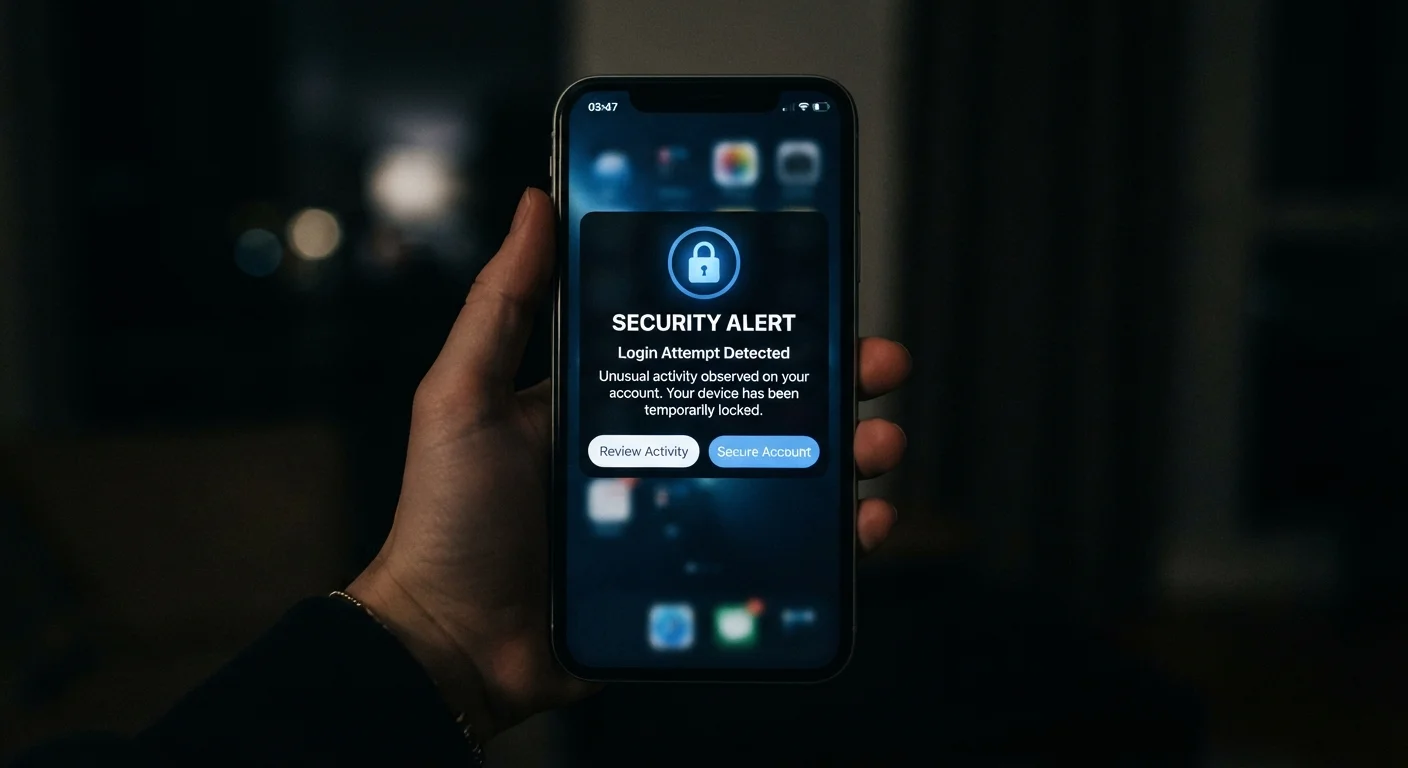
Why Everyday Users Are the Primary Target
Mobile security threats are no longer the exclusive concern of executives or IT departments. Attackers follow volume, and there are now more than 6 billion smartphone subscriptions worldwide - meaning everyday users represent an enormous, highly attractive pool of potential victims. The data stored on a typical phone, contacts, banking apps, email, photos, and location history, holds real monetary value on criminal marketplaces.
What makes smartphones particularly vulnerable is how naturally we trust them. We tap links in texts from apparent friends, grant app permissions without reading them, and connect to coffee-shop Wi-Fi without a second thought. Attackers design their tactics around exactly these habits. Understanding the threat landscape doesn't require a technical background - it requires knowing what to look for. For a broader foundation, see our computer security basics guide, which covers principles that apply equally to your phone.
SMS Phishing (Smishing)
Smishing involves fraudulent text messages crafted to trick you into clicking a malicious link or handing over sensitive information. Messages often impersonate banks, delivery services, or government agencies and create a sense of urgency - a package held, an account suspended, a payment due. Once you tap the link, you may land on a convincing fake site designed to capture login credentials or install malware.
The key defense is simple skepticism: verify any urgent request through the organization's official app or website, never through the link in the text itself. Our detailed guide on how to spot a phishing text message breaks down the exact red flags to watch for.
Legitimate organizations almost never ask for credentials or payments via an unsolicited text link.
Rogue and Over-Permissioned Apps
Malicious apps occasionally appear even in official app stores, disguised as games, utilities, or productivity tools. Once installed, they may harvest contacts, track location, log keystrokes, or display persistent adware. Even legitimate apps sometimes request far more permissions than their function requires - a flashlight app has no genuine need for your microphone or contacts.
Before installing any app, review its requested permissions critically. After installation, revisit permissions in your phone's settings periodically and revoke access that doesn't match the app's core purpose. Downloading from official stores and checking developer credibility (reviews, number of downloads, company identity) also reduces risk substantially.
An app requesting permissions unrelated to its function is a reliable warning sign worth acting on.
Unsecured Public Wi-Fi
Open Wi-Fi networks in airports, hotels, and cafes can be monitored by other users on the same network, or spoofed entirely by attackers who set up a network with a plausible name. When you connect and transmit data without encryption, sensitive information - including login sessions and form entries - can be intercepted.
Using a reputable VPN (a service that encrypts your internet traffic) significantly reduces this risk on public networks. At minimum, avoid accessing banking apps or entering passwords on open Wi-Fi. When possible, use your phone's cellular data connection instead for sensitive tasks.
On open Wi-Fi, treat any sensitive task the same way you'd treat using a shared public computer.
Outdated Operating Systems and Apps
Software updates frequently contain patches for security vulnerabilities that have been discovered since the last release. When a vulnerability becomes publicly known - which it often does shortly after a patch is issued - attackers move quickly to exploit devices that haven't been updated. Running an outdated version of iOS or Android means your phone may carry known, documented weaknesses.
Enable automatic system and app updates where possible. If your device no longer receives security updates from its manufacturer, it carries an increasing risk profile over time that is worth weighing when you consider an upgrade.
A delayed software update can leave your device exposed to threats that patches would have blocked.
Weak or Reused Passcodes and Passwords
A four-digit PIN offers only 10,000 possible combinations - trivial for automated tools. Reusing the same password across multiple services means a single data breach elsewhere can unlock your phone accounts as well. Many users set a passcode and never revisit it, unaware that the same credential protects email, banking, and cloud storage simultaneously.
Use a six-digit or alphanumeric device passcode rather than a simple four-digit PIN. Pair this with strong, unique passwords for each account managed through a password manager. Biometric authentication - fingerprint or face unlock - adds convenience without sacrificing security when configured correctly. To understand how biometric systems work and their trade-offs, see our guide to biometric authentication on smartphones.
Reusing passwords turns every third-party breach into a direct threat to your most sensitive accounts.
Social Engineering via Fake Customer Support
Attackers sometimes pose as customer support representatives - via phone calls, direct messages, or even fake chat pop-ups - claiming to resolve an urgent issue with your account. Their goal is to convince you to share a verification code, temporary password, or account detail that grants them access. This technique exploits trust and urgency rather than technical vulnerability.
Real support teams will never ask for your password, one-time verification codes, or remote access to your device in an unsolicited contact. If you receive such a request, end the interaction and contact the company directly using contact details from their official website.
No legitimate support team will ever ask for your verification code or password during an unsolicited call.
Building Lasting Mobile Security Habits
Addressing mobile threats isn't a one-time task - it's an ongoing practice of small, deliberate choices. Keeping your operating system and apps updated, pausing before tapping unfamiliar links, and periodically auditing what permissions your apps hold will dramatically reduce your exposure over time. Our smartphone privacy settings checklist walks through the specific controls available on both Android and iOS.
Make Security a Monthly Habit
Set a recurring reminder once a month to check for system updates, review app permissions, and remove apps you no longer use. This simple routine takes fewer than ten minutes and eliminates accumulating vulnerabilities before they can be exploited. Consistency matters far more than any single security action taken in isolation.
If you share a device with a younger family member, additional configuration steps are worth exploring - our parent's guide to smartphone setup and oversight covers content filters and app restrictions in detail. The goal isn't paranoia; it's awareness informed by how these threats actually work.
