What Each Approach Actually Involves
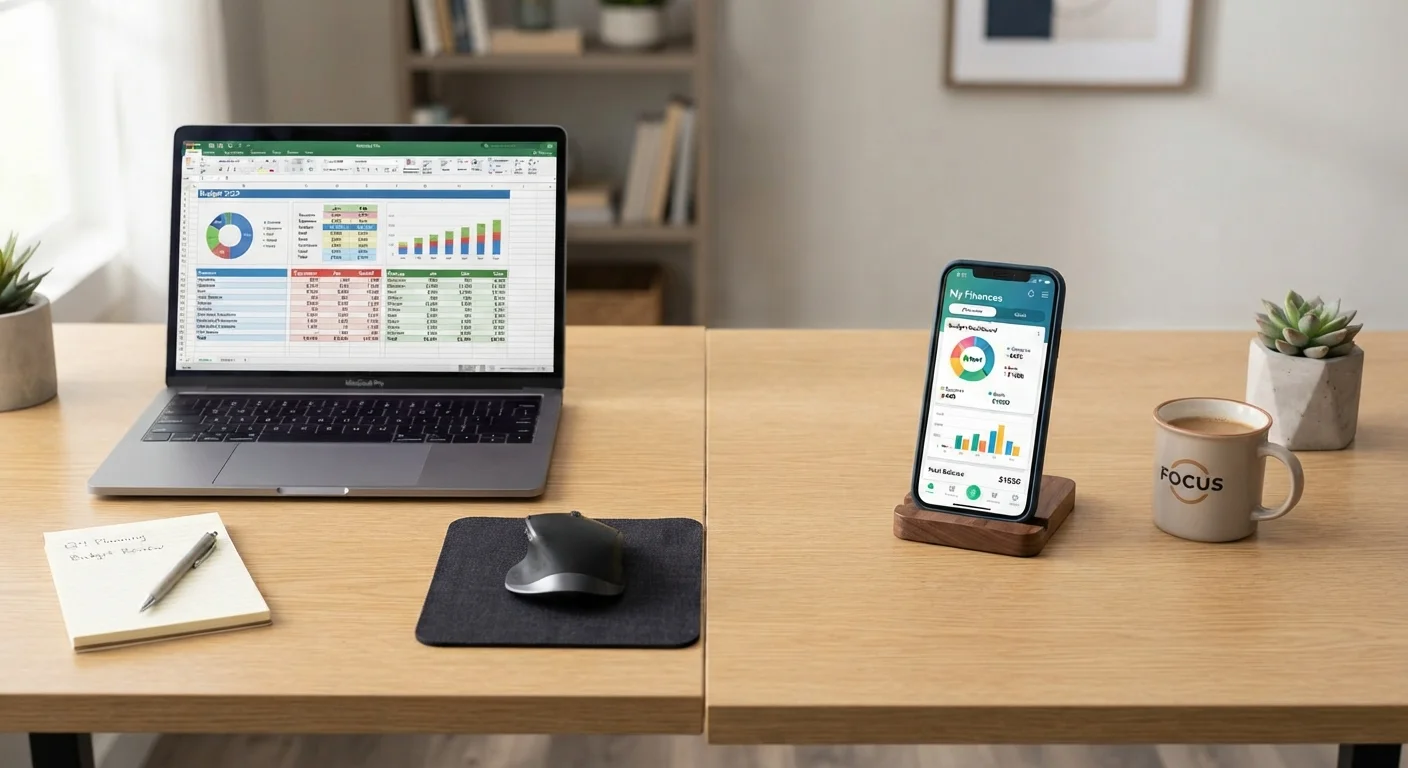
A spreadsheet budget means building or downloading a template in a program like Google Sheets or Microsoft Excel, then manually entering your income, expenses, and category totals. You control every formula, column, and calculation. A app-based budget involves downloading a dedicated personal finance app that typically links to your bank and credit card accounts, pulls transactions automatically, and categorizes your spending for you.
Both tools serve the same core purpose: giving you a clear picture of where your money is going. If you're new to budgeting altogether, our introduction to personal budgeting walks through the foundational concepts before you choose a tool.
| Spreadsheet Budget | App-Based Budget | |
|---|---|---|
| Cost | Free (with free tools like Google Sheets) | Often free tier; paid plans common |
| Setup time | Moderate - build or customize a template | Low - link accounts and go |
| Data entry | Manual - you type every transaction | Automatic - syncs from bank accounts |
| Customization | Unlimited - any category or formula | Limited to app's built-in framework |
| Privacy risk | Low - data stays on your device or account | Higher - requires account linking |
| Spending awareness | High - manual entry creates engagement | Variable - automation can reduce attention |
| Mobile convenience | Moderate - requires opening a file | High - designed for on-the-go use |
The Case for Spreadsheets
Spreadsheets have endured as a budgeting tool because they are free, flexible, and fully transparent. You see every formula, you design every category, and you owe nothing to a third party. There's no risk of an app discontinuing a service or changing its pricing model.
The manual entry process-while seen as a burden by some-is actually a feature for many budgeters. Typing in each transaction forces a moment of awareness that automated tools can bypass. This is closely related to the philosophy behind envelope budgeting, where deliberate friction is part of the discipline.
Spreadsheets also excel at handling irregular expenses. You can build a dedicated tab for annual costs like car registration or holiday spending-a practice covered in depth in our guide on budgeting for annual and irregular expenses. That kind of custom modeling is difficult to replicate inside most apps.
Start Simple, Then Customize
If you're trying a spreadsheet for the first time, resist the urge to build an elaborate system immediately. Start with three columns-date, description, and amount-and add categories only after you've tracked for a full month. A simple system you'll actually use beats a complex one you abandon after two weeks.
The Case for Budgeting Apps
App-based budgets reduce the activation energy required to start tracking. Once linked to your financial accounts, they pull transactions automatically and sort them into categories-a meaningful advantage if manual entry has caused you to abandon budgets in the past.
Most apps produce visual charts showing spending trends over time, which can make patterns easier to spot than scanning rows of numbers. They also send alerts when you approach a category limit or when a bill posts unexpectedly.
The trade-off worth taking seriously is data privacy. Linking a budgeting app to your accounts requires sharing login credentials or granting read access through a financial data aggregator. Understanding what data is collected, how it is stored, and whether it is sold to third parties requires reading each app's privacy policy carefully-a step many users skip. Additionally, automation can create a passive relationship with your finances. Our article on what automation helps and what it can hide explores this tension directly.
Read the Privacy Policy Before Linking Accounts
Many budgeting apps use third-party data aggregators to access your bank data. Before connecting any account, review the app's privacy policy to understand what data is collected, how long it is retained, and whether it is shared with advertisers or partners. Treat this step as non-negotiable-your banking credentials and transaction history are sensitive financial data.
Key Differences Side by Side
The table in the first section lays out the core trade-offs, but two distinctions deserve emphasis. First, cost: a spreadsheet in Google Sheets is free with a Google account; many budgeting apps charge monthly or annual subscription fees, though some offer free tiers with limited features. Second, portability: apps are built for mobile-first use, making it easier to log a purchase in the grocery aisle. Spreadsheets require opening a file, which creates a small but real barrier to real-time entry.
Your choice may also depend on which budgeting method you follow. Zero-based budgeting and pay-yourself-first approaches each have different tracking demands-something our comparison of budgeting frameworks breaks down in detail.
How to Choose-and How to Stick With It
Ask yourself three questions before deciding:
- How comfortable am I with spreadsheet formulas? Basic arithmetic functions are all you need, but if that still feels daunting, an app's interface may lower the barrier enough to keep you consistent.
- How do I feel about linking financial accounts to a third-party service? If privacy is a priority, a locally stored spreadsheet keeps your data entirely in your control.
- Do I have complex or irregular income? Freelancers, gig workers, or households with variable income often find spreadsheets easier to customize around their actual cash flow patterns.
Whichever tool you choose, the real driver of budgeting success is consistent engagement. Our guide on tracking every dollar without burning out offers practical strategies to keep the habit sustainable over time. And remember: a budget is ultimately about understanding your cash flow-a concept explored further in cash flow vs. net worth.
This article provides general financial education and is not personalized financial advice. Consider consulting a licensed financial professional for guidance specific to your situation.