
The Core Difference: How Each Device Is Designed to Be Used
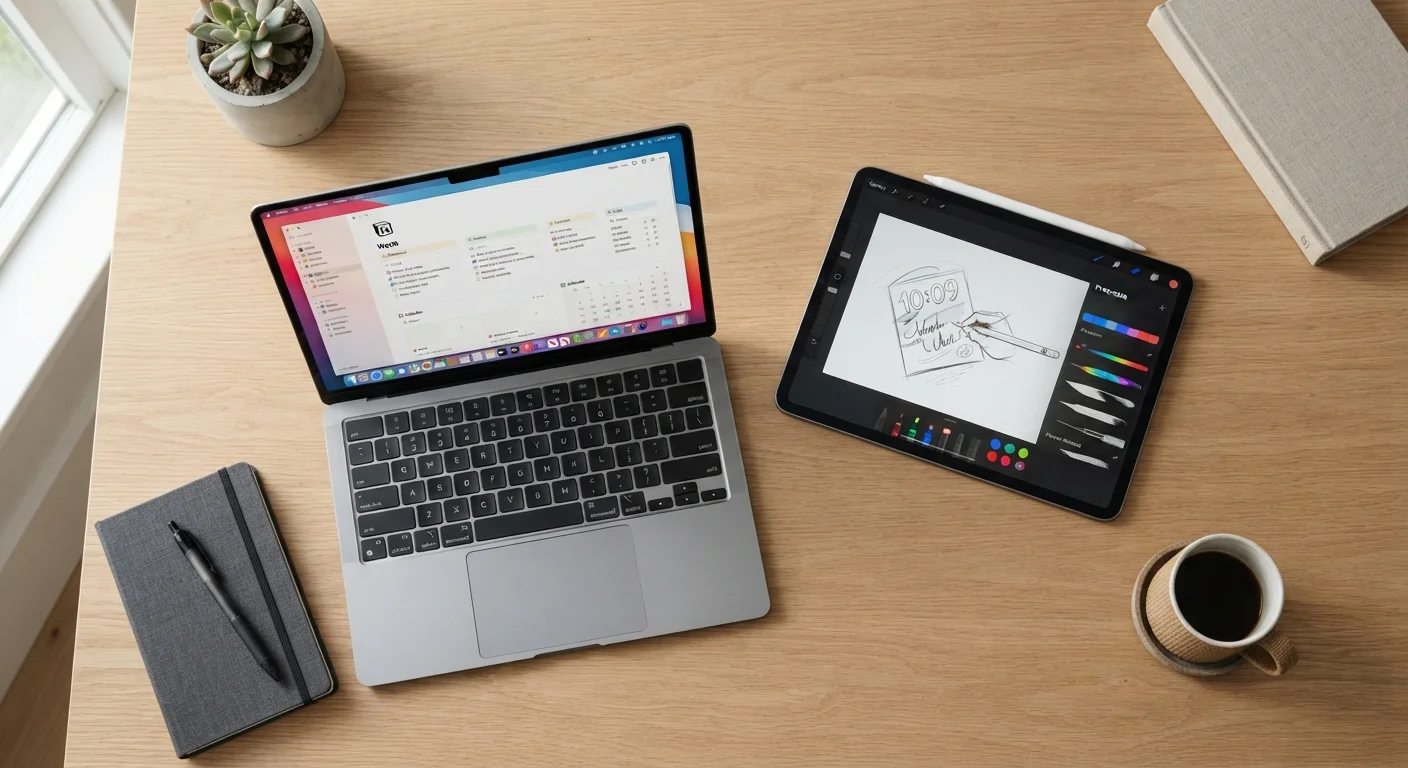
The fundamental distinction between a tablet and a laptop is not just size - it is interaction model. Laptops are designed around a keyboard and trackpad, running full desktop operating systems (Windows, macOS, or Linux) that support complex multitasking, file hierarchies, and a vast library of professional software. Tablets, by contrast, are built around touch - swiping, tapping, and pinching - and typically run mobile operating systems like iPadOS or Android, which prioritize simplicity and battery efficiency over raw computational depth.
This design philosophy shapes everything downstream: what software runs well, how you manage files, whether you can connect a monitor, and how long the battery lasts during active use. Understanding this distinction is far more useful than comparing processor benchmarks, because most everyday users are limited by workflow friction long before they hit hardware limits.
For a broader look at the laptop side of the equation, see our Computers & Accessories hub, which covers the full range of computing form factors.
Portability, Battery Life, and Everyday Convenience
Tablets have a clear edge in pure portability. Most consumer tablets weigh under one pound and slip into a bag with ease. Their batteries are optimized for standby and light use, which means picking one up mid-afternoon and having a full charge is a realistic expectation. For commuters, travelers, or anyone reading in bed, that convenience is genuinely meaningful.
Laptops have closed the gap considerably - particularly thin-and-light models - but they still tend to be heavier and bulkier than tablets, and they draw more power during active use. If you want to understand exactly what tradeoffs come with ultraportable laptops, our article on thin-and-light laptop tradeoffs walks through the specifics.
~1 lb
Typical tablet weight
Most mainstream consumer tablets weigh well under 1.5 pounds, making them significantly lighter than the average laptop in daily carry scenarios.
10-12 hrs
Tablet battery life (light use)
Manufacturers and independent reviewers consistently find that tablets outlast most laptops during typical browsing and media consumption sessions.
2-5×
Desktop app ecosystem advantage
Laptops running full desktop operating systems support a far broader range of professional and specialized applications compared to mobile app stores.
One often-overlooked portability factor is charging flexibility. Many tablets charge over USB-C, the same connector increasingly common on laptops and phones, which simplifies travel. Laptop chargers, while improving, can still be bulkier accessories to carry.
Productivity and Software: Where Laptops Hold a Significant Advantage
For anyone whose workday involves sustained writing, data analysis, coding, video editing, or running enterprise software, a laptop is typically the more capable tool - and the gap is wider than it might appear. Desktop operating systems allow you to run multiple application windows simultaneously, manage folder structures the way professionals expect, and connect peripherals like external monitors, keyboards, and storage drives with minimal friction. Our guide to computer ports explained can help clarify what connectivity options matter most for your setup.
Tablets running iPadOS or Android have improved substantially in productivity features, and pairing a tablet with a keyboard case does bring it closer to laptop territory for light writing tasks. However, the underlying operating system still imposes constraints: app availability is narrower for specialized professional tools, split-screen multitasking is more limited, and file management remains less flexible than on a laptop.
| Criterion | Tablet | Laptop |
|---|---|---|
| Operating System | Mobile OS (iPadOS, Android) | Desktop OS (Windows, macOS, Linux) |
| Primary Input | Touchscreen (stylus optional) | Physical keyboard and trackpad |
| Average Weight | Under 1.5 lbs typical | 2.5-5 lbs typical |
| Multitasking Depth | Limited split-screen | Full windowed multitasking |
| Software Library | App store ecosystem | Full desktop application support |
| Port Availability | Minimal (often 1-2 ports) | Broader, varies by model |
| Battery Life (light use) | Often 10-12+ hours | Typically 6-12 hours |
| Ideal Primary Use | Consumption, casual creation | Professional productivity, complex tasks |
If your workflow sits somewhere in the middle - occasional documents, light spreadsheets, and mostly web-based tools - a capable tablet with a keyboard accessory may be genuinely sufficient. But for anything involving specialist desktop applications, a laptop remains the more dependable choice.
Who Should Consider Each Form Factor
Tablets tend to suit readers, students who primarily take notes and consume course materials, digital artists who rely on stylus input, older adults who find touch interfaces more approachable, and anyone who mostly watches video or browses the web. Our article on tablets for older adults explores accessibility considerations in detail.
Laptops are generally a better fit for professionals with complex software needs, students in technical or writing-heavy programs, remote workers who need reliable video conferencing and file sharing, and anyone who regularly produces content rather than simply consuming it. If you're weighing other laptop-category comparisons, our Chromebook vs. Windows laptop and desktop vs. laptop guide can help narrow your decision further.
The Hybrid Middle Ground
Some devices blur the line between tablet and laptop - detachable keyboards, 2-in-1 convertibles, and stylus-equipped touch laptops all attempt to serve both modes. These can work well for users with genuinely mixed needs, but it is worth evaluating each hybrid device on how well it performs in your primary mode, not just whether it technically supports both. A device that does two things adequately may not do either one as well as a dedicated form factor.
Before settling on a tablet, it also pays to think carefully about screen size and operating system - factors explored in our tablet buying considerations guide. Similarly, if you already own a laptop and wonder whether a tablet adds genuine value, consider how your daily tasks divide between consumption and creation - that ratio is the most honest guide available.
