
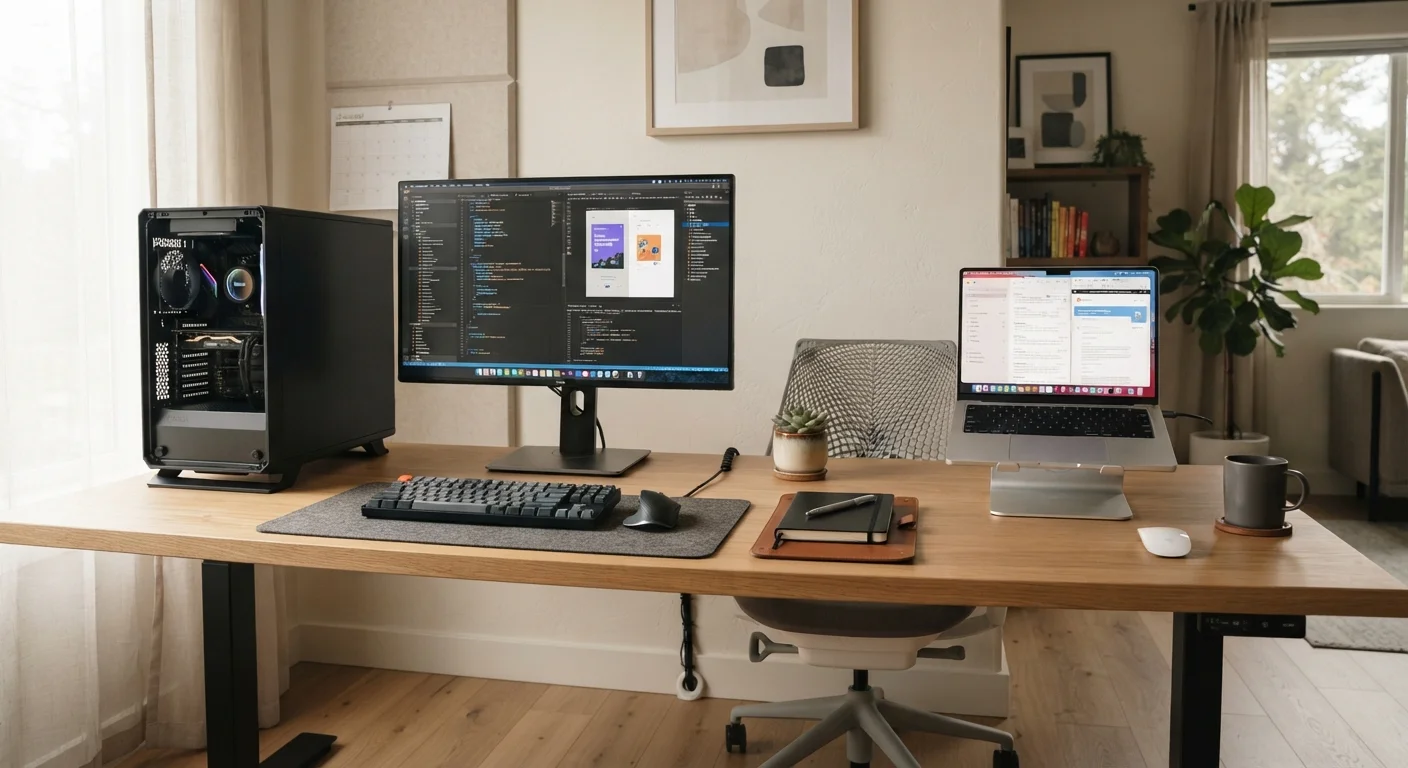
The Core Tradeoff: Power vs. Portability
The desktop-versus-laptop debate ultimately comes down to a fundamental engineering reality: performance and portability pull in opposite directions. Desktops have larger chassis, more robust cooling, and access to full-power components that simply cannot fit inside a slim laptop shell. That physical advantage translates into sustained processing speed, especially under demanding workloads like video encoding or large spreadsheet computation.
Laptops compress similar functionality into a portable package, but doing so requires tradeoffs. Processors and graphics chips in laptops are typically lower-wattage versions designed to preserve battery life and manage heat within tight enclosures. That does not mean laptops are underpowered for most users - for browsing, email, document editing, video calls, and streaming, a modern laptop is thoroughly capable. But at similar price points, a desktop will generally offer more headroom. Understanding your actual workload honestly is the most important first step. See our guide on what RAM, storage, and processing power actually mean before getting pulled in by spec-sheet numbers.
| Criterion | Desktop | Laptop |
|---|---|---|
| Portability | Stationary only | Fully portable |
| Performance per dollar | Generally higher | Slightly lower |
| Upgradeability | High (most components) | Limited (often soldered) |
| Space required | Dedicated desk needed | Minimal footprint |
| Display included | No (monitor sold separately) | Yes (built-in screen) |
| Battery backup | None (requires UPS separately) | Built-in battery |
| Thermal performance | Stronger sustained cooling | Throttles under long loads |
| Setup complexity | More components to configure | Ready to use immediately |
Cost, Upgradeability, and Long-Term Value
Desktops have a notable longevity advantage: many components - RAM, storage, GPU, even the CPU in some configurations - can be replaced or upgraded as needs evolve, which can extend the useful life of the machine substantially. Laptops, by contrast, are increasingly built with soldered components; RAM and storage are often non-upgradeable in modern thin-and-light designs. This makes the configuration you buy at purchase especially important.
On upfront cost, desktops and laptops can occupy similar price ranges, but a desktop at a given price typically offers stronger specs because it doesn't need to engineer for portability. Factor in that a desktop also requires a separate monitor, keyboard, and mouse - expenses that add up. If you're mindful of how a computer purchase fits into your overall spending plan, it's worth reviewing general budgeting principles at our Budgeting Basics hub before committing.
~4-5 years
Average useful lifespan of a consumer laptop
Industry analysts generally estimate consumer laptops are replaced every four to five years, partly due to non-upgradeable components and battery degradation.
60%+
U.S. adults who work from home at least part-time
According to Pew Research Center surveys conducted in recent years, a substantial share of American workers now split time between home and other locations, making form-factor choice more consequential.
3x
Typical RAM upgrade cost difference: laptop vs. desktop
Because laptop RAM is often proprietary or soldered, sourcing compatible upgrades - where possible at all - tends to cost significantly more than equivalent desktop memory modules.
Workspace, Ergonomics, and the Hybrid Middle Ground
Physical setup matters more than most buyers anticipate. A desktop creates a fixed, dedicated workspace - which can be ergonomically optimized with the right desk height, monitor position, and peripherals. Research consistently links poorly configured workstations to musculoskeletal strain over time; if you spend several hours daily at a computer, that setup deserves serious attention. Our article on ergonomic computing setup principles outlines what sound guidance looks like.
Laptops used exclusively on laps or low tables for extended periods introduce their own ergonomic challenges - screen height and keyboard angle are rarely ideal in those positions. However, a laptop connected to an external monitor, keyboard, and mouse at a proper desk effectively becomes a desktop substitute. A docking station simplifies this transition considerably; our explainer on what a docking station does and who actually needs one is a useful companion read here. This hybrid approach is increasingly common among people who need both home-office comfort and genuine portability.
The Docking Station Middle Ground
Many users find that a laptop plus a quality docking station resolves the desktop-vs-laptop dilemma entirely. At your desk, you plug into one cable and gain external monitors, a full keyboard, wired internet, and charging. Away from the desk, you unplug and take everything with you. This approach costs more upfront but suits hybrid workers well. Our guide on docking stations explains the compatibility considerations to check before buying.
Making the Call for Your Specific Situation
There is no universally correct answer - the right choice depends on the overlap between your daily habits, physical environment, and realistic budget. If your computer never leaves a room, a desktop will typically serve you longer and with less friction. If your computing life spans multiple locations, a laptop offers a consistency that no desktop can match.
It also helps to think about adjacent decisions: if you're comparing operating systems, our piece on Windows vs. macOS differences that actually matter addresses that separately. If you're leaning laptop but weighing the ultraportable category, be aware of the tradeoffs - our article on the honest tradeoffs of owning a thin-and-light laptop is worth a read before deciding. And before finalizing any purchase, use a structured review process: our computer buying checklist covers ports, battery life, build quality, and specs in one place.
This article provides general informational guidance about computer form factors and is not a substitute for personalized advice tailored to your specific technical needs or financial situation.
