
What Separates These Two Form Factors
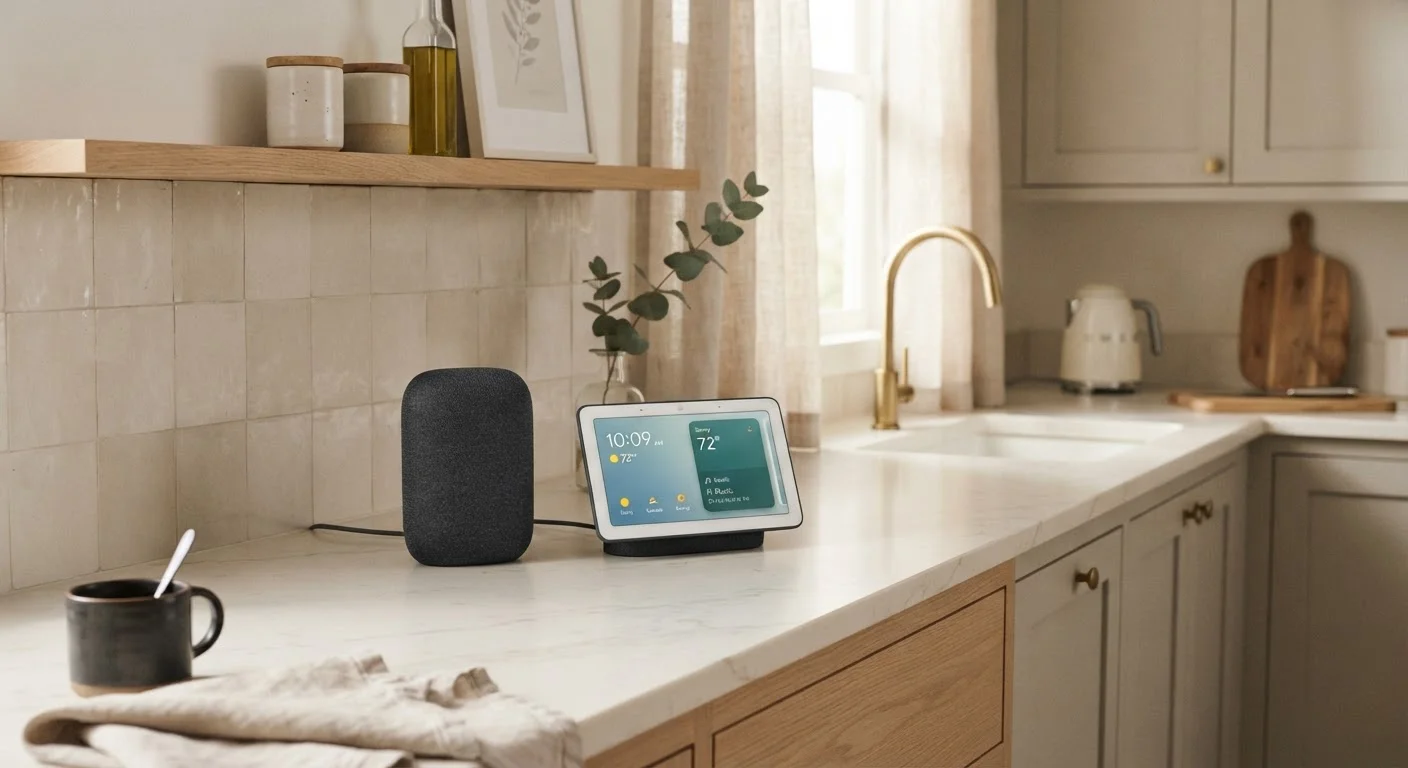
Smart speakers are voice-forward devices built around microphones and audio output. They respond to spoken commands, stream music, answer questions, and control other smart home devices - all without any visual interface. Smart displays do everything a speaker does but add a touchscreen, typically ranging from five to fifteen inches, that shows information, plays video, and supports video calling.
The distinction sounds simple, but it reshapes how you actually interact with each device. A speaker demands that you listen for a response; a display lets you glance at it. That difference compounds across dozens of daily interactions, which is why room placement matters as much as the hardware itself. For a deeper look at how both device types plug into broader connected-home platforms, see Smart Home Ecosystems Explained.
| Smart Speaker | Smart Display | |
|---|---|---|
| Primary interaction | Voice and audio | Voice, touch, and glance |
| Visual feedback | None | Touchscreen (5"-15") |
| Video calling | Audio only | Full video support |
| Recipe / step-by-step use | Voice prompts only | Visual step display |
| Bedroom suitability | High - no screen glow | Moderate - dim mode available |
| Audio quality (comparable size) | Generally stronger | Often trades off for screen |
| Camera privacy concern | Not applicable | Present - check shutter controls |
| Typical physical footprint | Compact, cylindrical | Larger, requires clear sightline |
Room-by-Room: Where Each Device Makes Sense
Kitchen
The kitchen is arguably the strongest use case for a smart display. Hands covered in flour or raw chicken make touchscreen phones impractical, but a mounted or countertop display lets you follow a recipe step-by-step by glancing up, set multiple timers by voice, and confirm them visually. A speaker works here too, but the visual confirmation a display provides is genuinely useful when multitasking.
Bedroom
Many people find a glowing screen at the bedside counterproductive to sleep. A smart speaker handles alarms, music, podcasts, and sleep-sound playlists without adding light to the room. If you do want a display in the bedroom, most offer a night mode that dims the screen aggressively - but the ambient glow remains a real consideration.
Living Room
A smart display can anchor a living room as a communication hub - video calls, smart home dashboards, and streaming short-form content. That said, a large smart TV already fulfills many of the same functions, so the display's value is highest when it supplements rather than competes with existing screens. For context on where visual tech adds the most value room by room, see this room-by-room technology guide.
Home Office
A smart display earns its spot on a desk when video calling is routine. It keeps calls off the main work monitor, provides a dedicated screen for timers and quick information lookup, and supports hands-free control during focused work sessions.
Match the Device to the Task, Not the Hype
Before choosing a form factor, list the three or four things you'd actually use the device for every day. If all of those tasks are audio-based - music, timers, smart home control - a speaker is likely sufficient. If even one task benefits meaningfully from a screen, a display earns consideration. Buying based on features you won't regularly use rarely pays off.
Audio Quality and Multiroom Considerations
Smart speakers generally outperform smart displays on audio quality for a given size. Manufacturers designing a speaker can optimize the entire enclosure for acoustics; a display dedicates significant internal volume to the screen assembly, leaving less room for speaker hardware. If music listening is a primary goal, a dedicated speaker typically delivers better sound-per-dollar.
Both form factors can participate in multiroom audio setups, where synchronized sound plays across several rooms simultaneously. However, ecosystem lock-in is a real factor - devices from the same platform work together most reliably. How multiroom audio systems actually work covers the technology behind syncing devices and what determines audio quality across a home.
Privacy: A Shared Concern for Both
Both smart speakers and smart displays use always-on microphones that listen for a wake word. This is a fundamental design characteristic of the category, not a flaw unique to any one device. Users should understand that audio snippets may be processed on remote servers and, in some cases, reviewed by platform teams - though most manufacturers have introduced controls to limit or delete recordings.
Smart displays add a camera for video calling, which introduces an additional privacy dimension. Most include a physical shutter or hardware disconnect for the camera, and some extend that to the microphone as well. The presence of a camera in a bedroom or private space is worth weighing deliberately. Privacy trade-offs of voice assistants offers a balanced look at how audio is processed and what controls exist.
Camera Placement Deserves Deliberate Thought
Smart displays with cameras are designed for video calls, but their wide-angle lenses capture a broad field of view. Placing a camera-equipped device in a bedroom, bathroom-adjacent area, or any space where privacy is expected requires careful consideration. Verify whether the device offers a hardware camera disconnect - a physical shutter or switch - rather than relying solely on a software mute.
