
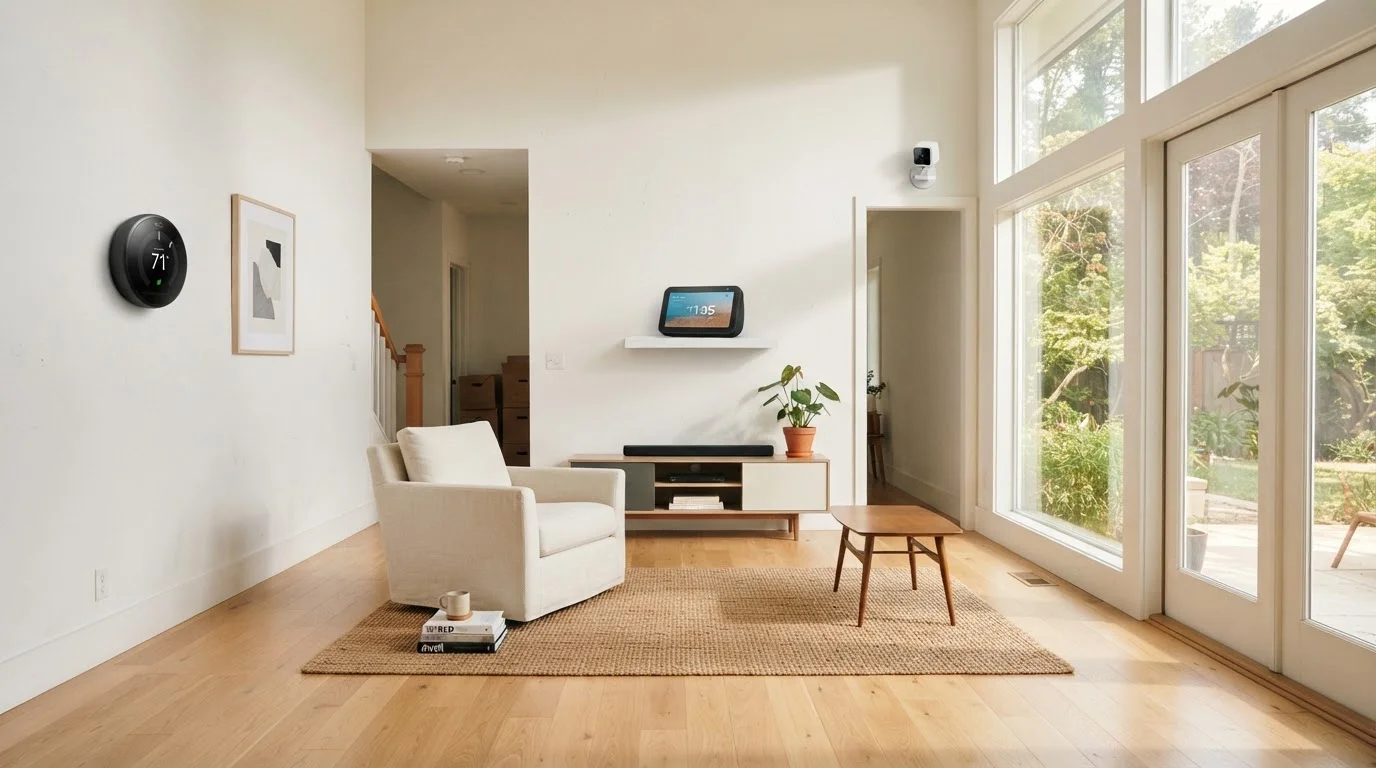
Why Inherited Smart Devices Demand Immediate Attention
Moving into a home with existing smart technology feels like a bonus - until you realize those devices may still be connected to accounts, apps, and credentials you don't control. A previous owner's smartphone could still trigger your garage door. Their cloud account may retain access to a camera feed inside your bedroom. These aren't edge-case risks; they're the predictable result of how most smart home ecosystems are designed.
Unlike a used appliance, a smart device often maintains an active relationship with external servers, mobile apps, and saved automations. Simply unplugging it and plugging it back in does nothing to sever that relationship. You need to deliberately and completely reset each device before it can be considered yours.
If you're new to how connected home technology works, our first-timer's orientation to smart homes explains the ecosystem fundamentals that make this kind of audit necessary. For a look at the longer-term risks smart devices carry, our piece on smart device longevity is worth reading before you invest in keeping anything inherited.
Smart Locks and Cameras: Zero Tolerance for Shortcuts
Smart locks and security cameras present the most serious risks if not properly reclaimed. A factory reset that appears successful may still leave residual access tokens on a manufacturer's server if the prior owner hasn't deregistered the device from their account. Always verify reset completion through the manufacturer's app or portal, and if you cannot confirm full deregistration, contact manufacturer support directly - or replace the device. Your physical security depends on getting this right.
What You'll Need Before You Start
Before working through the checklist, gather the basic tools that will make the process go smoothly. You'll be accessing device menus, manufacturer websites, and potentially app stores - so have a charged phone and laptop handy.
Smartphone with manufacturer apps
Required to complete factory resets and re-register devices through their official apps.
Laptop or tablet
Useful for accessing manufacturer web portals to verify account removal and check firmware status.
Notepad or digital inventory doc
Track each device found, its model number, reset status, and any outstanding issues.
Device manual or manufacturer support site
Factory reset procedures vary by device - always follow the manufacturer's specific instructions.
New router admin credentials
You'll need to update Wi-Fi and admin passwords before connecting any inherited devices.
Dedicated email address for smart home accounts
Using a separate email for device accounts keeps your primary inbox clean and simplifies future transfers.
As you go room by room, make a written or digital inventory of every device you find. Note the brand, model number (usually on a sticker on the back or bottom), and where it's installed. This record matters - not only for the reset process, but for warranty lookups, firmware checks, and the conversations you may need to have with previous owners if a device can't be independently reset. Also be aware that common smart home setup mistakes often stem from skipping this kind of structured audit at the outset.
The Move-In Smart Device Checklist
Work through each group below systematically. Prioritize security-related devices - locks, cameras, and alarm systems - before anything else. The checklist is organized from most critical to most routine.
Security & Access Devices
Network & Connectivity
Smart Hubs & Voice Assistants
Thermostats & Energy Devices
Lighting & Appliances
Firmware & Software Updates
Factory Reset Doesn't Always Mean Fully Reset
Some devices - particularly older models - retain partial configuration data or account tokens even after a factory reset. If you cannot independently verify that a device has fully cleared prior account links, contact the manufacturer's support team before adding it to your network. When in doubt, replacing a low-cost device is a more reliable solution than trusting an incomplete reset.
Once you've cleared the security and account items, the remaining configuration work is more about convenience than risk. Think about which devices genuinely add value to how you live. A room-by-room breakdown of where smart tech helps most can help you decide what to keep, reconfigure, or remove entirely.
Deciding What's Worth Keeping
Not every inherited device deserves a spot in your home. Before investing time in reconfiguring something, ask three questions: Is it still receiving software or firmware updates from the manufacturer? Does it work with the apps and platforms you already use or plan to use? And does it serve a function you actually want?
Devices that no longer receive security patches are a risk regardless of whether you've reset them - an outdated smart lock or camera running unpatched firmware is a vulnerability. If a device has been discontinued or its supporting app is no longer available, reconfiguring it may be a dead end entirely.
If you decide to start fresh with new devices instead, our checklist on preparing home tech for power outages is a useful companion when planning your setup - it surfaces gaps that only become obvious when something goes wrong. And if you're thinking about what to add thoughtfully rather than inheriting someone else's choices, avoiding common smart home mistakes gives you a strong framework to build from.
