
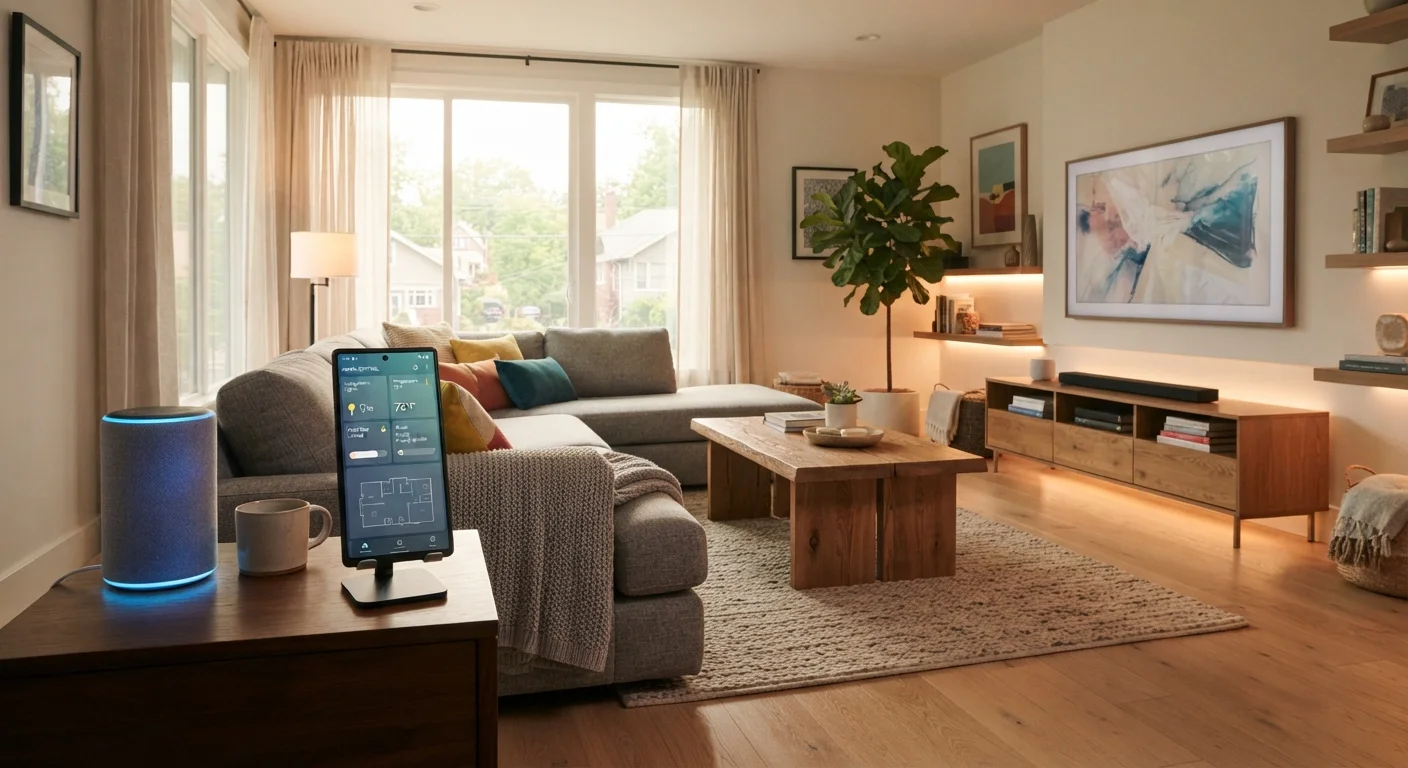
What 'Smart Home' Actually Means
A smart home is a residence where devices - lights, locks, thermostats, cameras, appliances - connect to the internet and can be monitored, controlled, or automated through a smartphone, voice assistant, or programmed schedule. The defining characteristic isn't any single gadget; it's that devices can communicate, respond to conditions, and reduce the friction of everyday tasks.
The term covers a wide range: from a single connected bulb you switch off remotely to an integrated system that adjusts your heating, greets you at the door, and turns off every light when you leave. For first-timers, the most useful framing is this - smart home technology is a tool for convenience, efficiency, and sometimes safety, not a destination you have to reach all at once.
Ecosystem
A platform - like Amazon Alexa, Google Home, or Apple HomeKit - that acts as the central coordinator for your smart devices, letting them communicate and be controlled through a single interface.
Hub
A physical device that serves as a local communication center for smart home gadgets, especially those using protocols like Zigbee or Z-Wave that don't connect directly to Wi-Fi.
Protocol
The language or standard a smart device uses to communicate - examples include Wi-Fi, Zigbee, Z-Wave, and Bluetooth. Devices using different protocols often can't talk to each other without a hub or bridge.
Automation
A rule you set up so that a device acts on its own based on a trigger - for example, turning lights off when everyone leaves home, or locking the door at a set time each night.
Matter
A relatively new industry standard intended to let smart devices from different brands work together across different ecosystems without compatibility issues.
Firmware
The built-in software that runs on a smart device. Manufacturers release firmware updates to fix bugs and security vulnerabilities - keeping it current is an important security habit.
The Ecosystem Decision: Why It Matters First
Before you purchase a single device, it's worth understanding that the smart home market is organized around ecosystems - platforms that act as the central hub controlling and coordinating your devices. The major ones include Amazon Alexa, Google Home, and Apple HomeKit. Each has its own strengths, compatible device range, and app experience.
The ecosystem you choose shapes which devices work seamlessly together and which require workarounds. If you already use an iPhone heavily, Apple HomeKit may feel natural. If Android and Google services are your default, Google Home is a logical fit. Amazon Alexa has historically had the widest device compatibility of the three.
A newer development worth knowing: the Matter standard aims to make devices interoperable across ecosystems. Learn how Matter works and what it still can't do before assuming your purchases will automatically play nicely together.
Pick Your Ecosystem Before Your First Device
Spend 15 minutes identifying which ecosystem aligns with the devices and services you already use. Switching ecosystems later often means replacing devices, not just changing an app. A little upfront clarity saves significant frustration down the road.
Core Device Categories to Know
Smart home devices fall into a handful of functional categories. Understanding them helps you prioritize where to start rather than buying at random.
- Lighting: Smart bulbs and smart switches let you automate, dim, and color-tune lights. They're often the most impactful entry point. Smart bulbs and switches work differently with your home's wiring - understanding the distinction matters before you buy.
- Thermostats: A connected thermostat can learn your schedule and reduce energy use when the home is empty. If you're unfamiliar with how your existing HVAC system is wired, HVAC system basics every homeowner should understand can help before you install.
- Voice assistants and smart speakers: These serve as both control hubs and standalone tools for music, timers, and information. They're often the easiest first purchase.
- Security cameras and smart locks: These add a layer of monitoring and access control, but also raise important privacy considerations worth thinking through early.
- Sensors: Motion, water leak, door/window, and smoke sensors can trigger automations or send alerts, adding both safety and context-awareness to your setup.
For a practical look at which rooms benefit most, see our room-by-room breakdown of where smart home tech genuinely helps.
Network and Privacy Foundations
Every smart device you add is an internet-connected node in your home network. A slow, overcrowded, or poorly secured Wi-Fi router becomes a bottleneck and a vulnerability. Before expanding your setup, confirm your router supports enough connected devices comfortably - many consumer routers begin to degrade in performance past 20-30 simultaneous connections.
A commonly recommended practice is placing smart devices on a separate guest network, isolating them from your computers and phones in case any device is compromised. Strong, unique passwords on both your router and device accounts are non-negotiable.
Privacy is the other dimension first-timers often overlook. Smart speakers with microphones and cameras with continuous recording are, by design, always on. Learn how to read a smart device's privacy policy without getting lost so you understand what data is collected and how it's used before a device enters your home.
Don't Skip Network Security Basics
Many smart home security incidents trace back to routers running default passwords or outdated firmware - not the smart devices themselves. Before adding connected devices to your home, update your router's firmware, change its default admin credentials, and enable WPA3 encryption if your router supports it.
How to Start Without Overcomplicating It
The most common mistake first-time buyers make is purchasing multiple devices across different ecosystems before understanding how they'll connect. The result is a fragmented setup that's frustrating rather than helpful. Read about the patterns that make smart homes harder to live with to sidestep the most common pitfalls.
A practical starting approach: pick one ecosystem, choose one or two devices in a single category (lighting is often the lowest-friction choice), get them working reliably, and live with them for a few weeks before expanding. Comfort with the app, the automations, and the device behavior should come before scale.
Your existing devices matter too. If you're already comfortable with your smartphone or tablet as a control surface, that's a natural foundation - smart home apps are where most control happens day to day.
Building a smart home is iterative. The goal at the start isn't a complete system - it's a working, reliable foundation you understand and actually use.
