
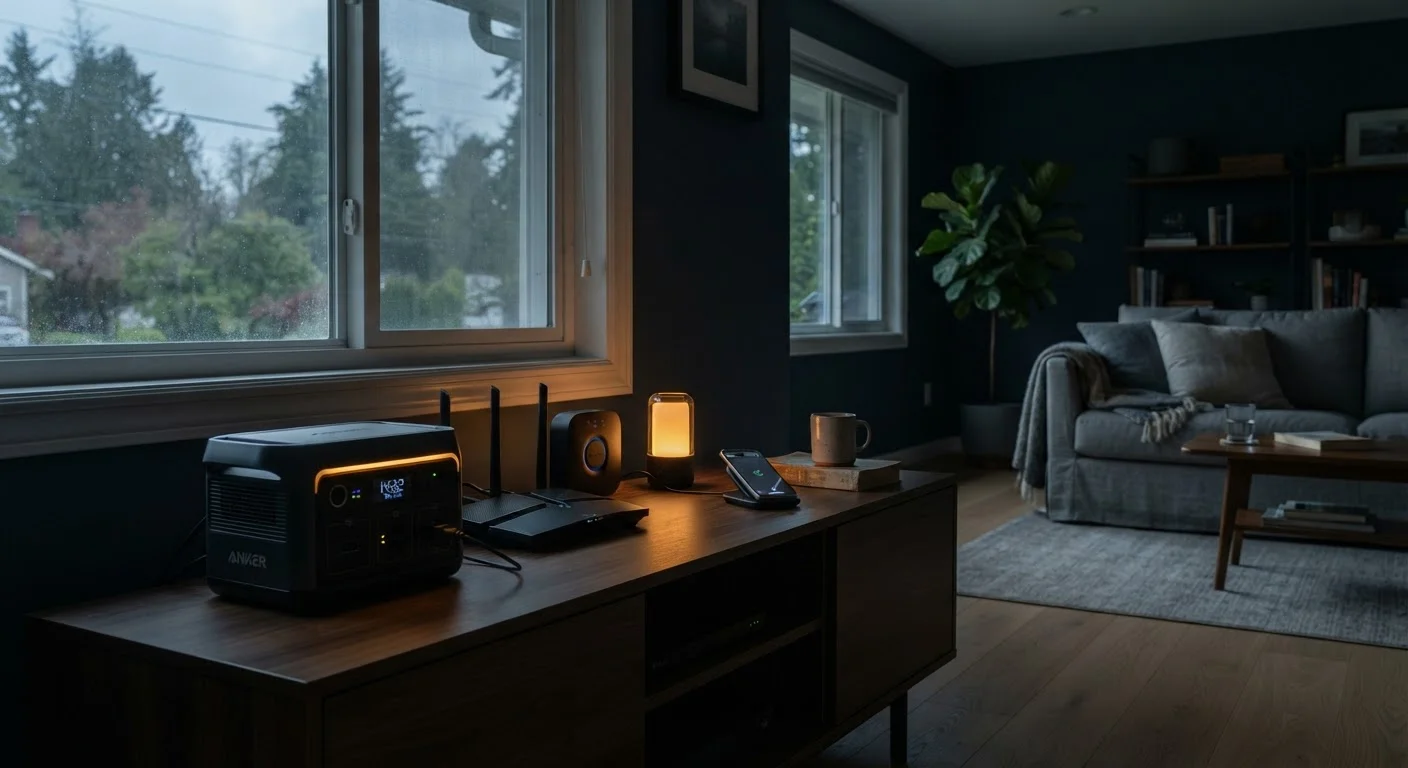
Why Power Outages Hit Smart Homes Harder
A power outage used to mean the lights went out. For a connected home, it now means your router, modem, smart hub, security cameras, voice assistant, and any automation routines all go offline simultaneously - often in ways that aren't immediately obvious until you need them most.
The core vulnerability is dependency stacking: most smart devices don't just need electricity, they need your local network, and many also need an active internet connection to reach the cloud servers that process commands. Pull one layer out and the devices above it stop responding. This is why smart home devices drop off the network even during brief interruptions - the network itself is fragile.
The good news is that most failure points are predictable and addressable. This checklist helps you audit your setup before an outage, so you're not discovering gaps in the dark.
Cloud-Dependent Devices Go Dark Without Internet
Many popular smart home devices - including certain video doorbells, voice assistants, and hub-dependent sensors - cannot perform basic functions without an active internet connection, even if they have local power. Before assuming your smart home is outage-resilient, verify which devices support local processing or offline operation. This distinction is often buried in product specifications rather than prominently advertised.
What You'll Need Before You Start
Before working through the checklist, gather the tools and references below. Having physical backups for digital information is a recurring theme - a printed sheet with your Wi-Fi password and alarm codes costs nothing and eliminates real frustration during an outage.
Uninterruptible Power Supply (UPS)
Provides battery backup for routers, modems, and small hubs during a power outage, keeping your network alive.
Portable Power Station
Larger capacity backup power for multiple devices simultaneously, suitable for extended outages.
Power Bank (high capacity, AC output)
Keeps smaller smart devices and phones charged when wall power is unavailable.
Physical key for smart locks
Manual override access for smart locks that lose power or connectivity.
Printed household reference sheet
Documents Wi-Fi credentials, alarm codes, and device reboot sequences for use when screens are unavailable.
If your smart home setup is still evolving, see our look at where home technology adds practical value room by room - prioritizing which rooms depend on connectivity helps you decide where backup power matters most.
The Preparation Checklist
Work through each group in order. The first two groups - identifying critical devices and planning backup power - are the highest-leverage steps. Manual override preparation is often overlooked but becomes essential when automation fails entirely.
Medical Devices Need a Separate Plan
This checklist covers consumer home technology, not life-sustaining medical equipment. If anyone in your household depends on a powered medical device - such as a CPAP, home oxygen concentrator, or infusion pump - contact your healthcare provider and utility company directly to discuss priority restoration programs and appropriate backup power solutions. Do not rely on general consumer UPS units for medical equipment without professional guidance.
UPS Batteries Degrade Silently
A UPS that appears to be functioning normally may have a battery that provides only a fraction of its rated runtime. Most manufacturers recommend testing UPS batteries annually and replacing them every three to five years. Check your unit's self-test indicator or use the manufacturer's utility software to verify actual runtime capacity before an outage occurs.
Identify Critical Devices
Backup Power Planning
Manual Override and Fallback Access
Post-Outage Recovery Prep
If your setup inherited devices from a previous owner or includes equipment you didn't originally configure, review our guidance on moving into a home with existing smart devices to make sure you have full control over every device before depending on it during an emergency.
Testing Your Setup - Don't Skip This Step
The most common mistake in outage preparation is assuming everything is ready without verifying it. A UPS purchased two years ago may provide only minutes of runtime instead of hours. A smart lock with a manual key override is useless if no one in the household knows where the key is kept.
Schedule a deliberate test: turn off a circuit breaker serving your main tech area and observe what happens. Does your network stay up? Do your security cameras continue recording? Can you control your thermostat manually? This single exercise will reveal more gaps than any checklist review.
For broader smart home reliability issues that surface during testing, common smart home planning mistakes covers the patterns that create fragility and how to address them systematically.
This article provides general consumer guidance on home technology preparedness and is intended for informational purposes only. Always consult a qualified professional for advice specific to medical equipment, home electrical systems, or safety-critical installations.
