
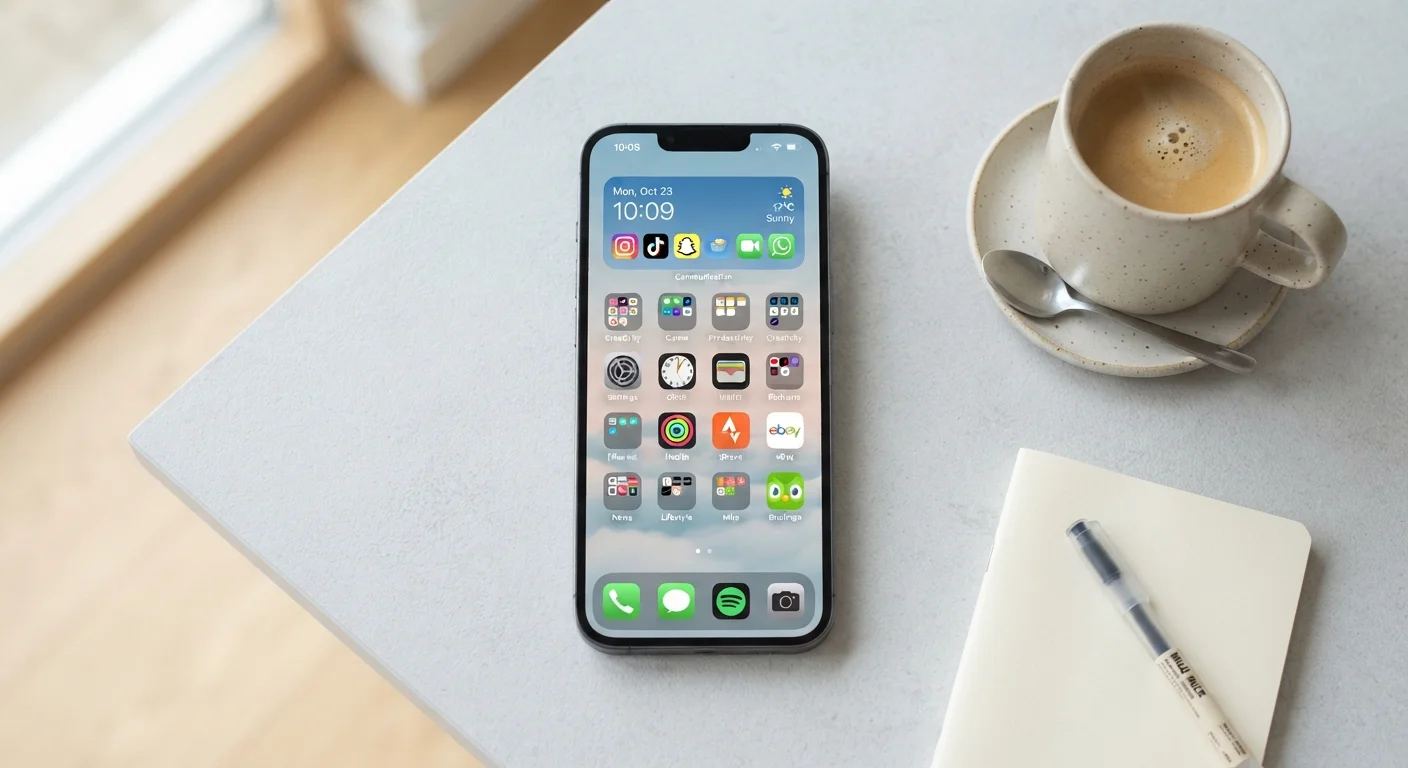
Why Phone Organization Matters More Than You Think
The average person checks their phone dozens of times a day. When apps are scattered, notifications are constant, and the home screen is a wall of icons, each interaction adds a small but real layer of friction. Over a week, that friction adds up to wasted minutes and a vague sense of being overwhelmed by your own device.
Good phone organization isn't about minimalism for its own sake - it's about making your phone work for you rather than against you. Whether you're a long-time smartphone user or just getting started, building a logical structure takes less than an hour and pays off every single day. If you're brand new to smartphones, our guide to getting started with your first smartphone covers the foundational setup steps worth doing first.
Best Practices for a Phone You Can Actually Navigate
The following practices address the most common sources of phone clutter - from app overload to notification chaos - and give you a clear framework for fixing each one.
Organize apps by task or context, not just broad category
Generic folders like 'Social' or 'Utilities' group apps by type, but you typically reach for your phone with a specific task in mind - navigating, managing money, staying healthy. Organizing around what you're doing means fewer mental steps to find what you need. It also surfaces useful apps you may have forgotten you installed.
Limit your home screen to your most-used apps only
Every icon on your home screen competes for your attention. Keeping only 8-12 genuinely frequent-use apps on the main screen reduces visual noise and speeds up access to what matters. Everything else lives one swipe or one search away - which is fast enough.
Audit and delete apps you haven't used in the past month
Unused apps consume storage, may run background processes, and add to visual clutter. More importantly, forgotten apps with active permissions represent an unnecessary privacy surface. A periodic purge keeps your phone lean and your data footprint smaller.
Treat notification permissions as opt-in, not opt-out
Most apps request notification access immediately on install, but very few actually need it. Allowing every app to interrupt you fragments your attention and trains you to ignore alerts - including important ones. Granting notifications only to apps where interruptions are genuinely useful restores the signal-to-noise ratio.
Use Focus or Do Not Disturb modes strategically
Most smartphones offer modes that silence non-essential notifications during specific times or activities - sleep, work, driving. Setting these up once creates automatic boundaries without manual effort each day. This is especially useful if you find yourself reflexively checking your phone even when you don't intend to.
Use consistent, descriptive folder names across your phone
Vague folder names like 'Stuff' or 'Other' defeat the purpose of folders entirely. Clear, specific names mean you can locate the right folder immediately, even after months have passed. Consistency also makes the phone easier to hand to a family member or pick up after time away.
Quick Wins You Can Do Right Now
Not ready to overhaul everything at once? These high-impact actions take just a few minutes and deliver immediate results.
For a deeper layer of control, consider reviewing your app permissions alongside your organization work. Our privacy settings checklist pairs well with a phone cleanup session.
Staying Organized Over Time
The biggest threat to a well-organized phone isn't bad habits - it's the slow creep of new apps, new notification requests, and home screen drift. A quick monthly check-in of five minutes is enough to catch problems early: delete apps you haven't opened in 30 days, deny new notification requests that don't earn their place, and move any stray icons back into the right folder.
Set a Calendar Reminder for Your Monthly App Audit
A one-time organization session is a great start, but recurring upkeep is what prevents your phone from reverting to chaos. Schedule a 10-minute monthly reminder - label it 'Phone Cleanup' - and use it to delete unused apps, review notification settings, and tidy any folders that have grown messy. Small, regular maintenance is far easier than a full overhaul every year.
It also helps to use your phone's built-in tools more fully. Search functions (swipe down on most home screens) mean you rarely need to remember exactly where an app lives. Widgets can surface key information - a calendar event, a to-do list, a weather glance - without opening an app at all. And if screen time is a concern, the built-in screen time tools on Android and iOS give you data-driven insight into where your attention is actually going.
