
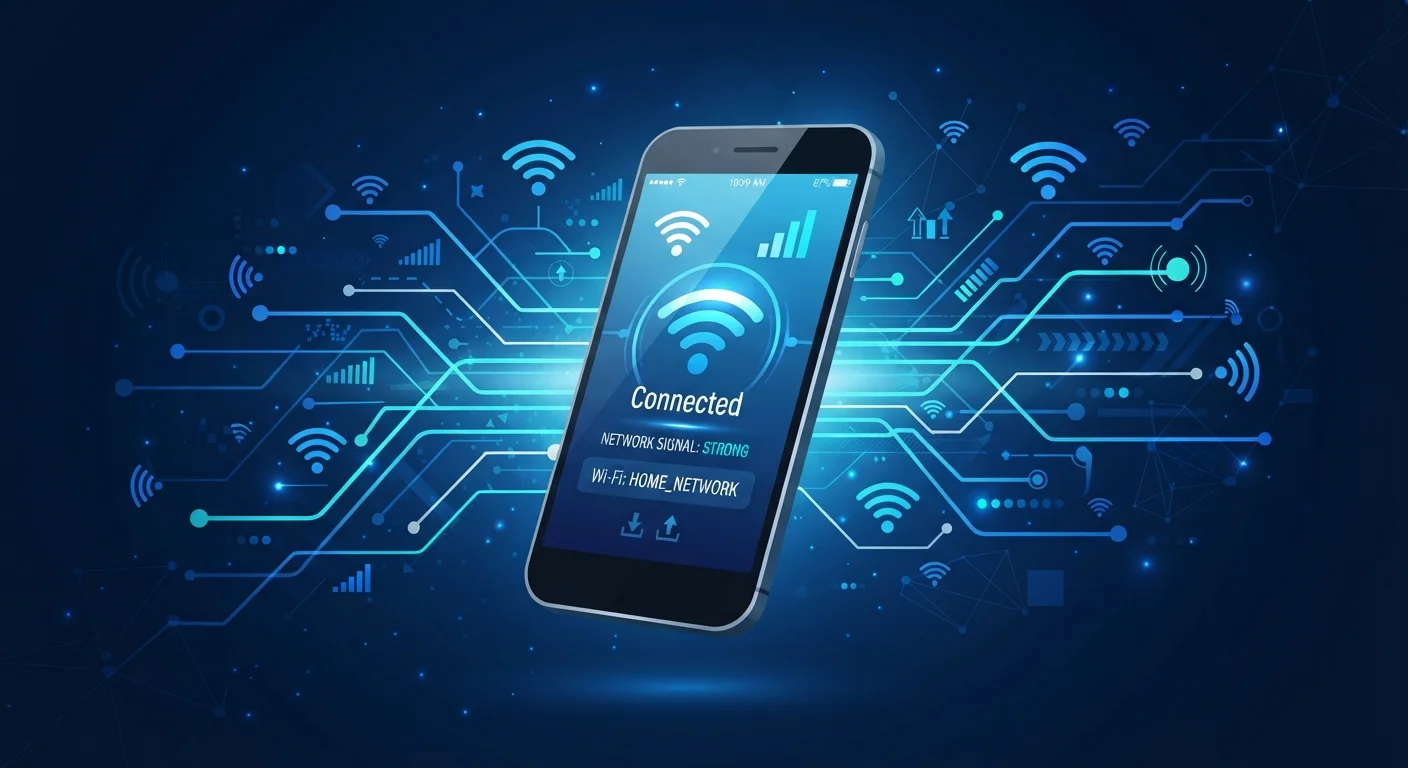
The Three Pathways Your Voice Takes
Every phone call you make has to travel somewhere - the question is how. In practice, three distinct technologies handle voice communication on modern smartphones, and your device may switch between them without you ever noticing.
Traditional cellular calls connect through your carrier's radio towers using licensed spectrum. When you dial a number, your phone handshakes with the nearest tower and your voice is encoded and transmitted over the network. This is the default method when you have adequate signal and remains the most universally compatible option.
Wi-Fi calling is a carrier feature - available on most U.S. plans - that reroutes your call over a broadband internet connection when cellular signal is weak or unavailable. Critically, it still uses your regular phone number and counts against your plan's minutes in the same way a cellular call does. No separate app is required; it's built into your phone's dialer.
VoIP apps (Voice over Internet Protocol) such as widely used internet messaging platforms transmit your voice as internet data packets entirely outside the carrier network. They work over any active internet connection - Wi-Fi or mobile data - and typically assign their own identifier rather than your cell number. See our guide to managing mobile data usage if you're concerned about VoIP apps consuming your cellular data allowance.
~97%
U.S. population with LTE coverage
According to FCC broadband and coverage reports, LTE reaches the vast majority of Americans, though indoor and rural signal quality varies significantly.
1 in 4
U.S. adults who use internet calling apps weekly
Pew Research Center surveys on communication technology indicate widespread adoption of internet-based voice and video calling among American adults.
Up to 30%
Call quality improvement with Wi-Fi calling in weak signal areas
Carrier technical documentation generally notes that Wi-Fi calling can substantially reduce dropped calls in areas with marginal cellular coverage.
How Wi-Fi Calling Actually Works
When Wi-Fi calling is enabled, your phone continuously monitors signal strength. If cellular signal drops below a usable threshold, your device automatically hands the call off to the connected Wi-Fi network - often mid-conversation without interruption. The call travels from your router, through your internet service provider, and into the carrier's core network, where it rejoins the standard telephone infrastructure.
Because Wi-Fi calling is carrier-integrated, emergency services can still receive a registered address when you dial 911, though the location accuracy is generally less precise than a GPS-assisted cellular call. This matters: if you rely on Wi-Fi calling as your primary method in a low-signal area, register your address with your carrier's E911 system.
Wi-Fi calling also works seamlessly with your existing contacts and call history - there's no separate inbox or account to manage. For people in rural areas, basement apartments, or concrete-heavy office buildings, it can be the difference between reliable communication and dropped calls. Learn more about network performance in our 5G explainer.
Enable Wi-Fi Calling Before You Need It
Don't wait until you're in a dead zone to look for the setting. On most Android and iOS devices, Wi-Fi calling is found under Phone or Connections settings. Turning it on in advance means your phone will switch automatically without any action on your part when signal drops.
VoIP Apps: Calls Fully Over the Internet
VoIP applications encode your voice into small data packets and transmit them across the internet in real time - the same fundamental process that streams video or loads a webpage. Because they're fully internet-dependent, they're as effective on a coffee shop's Wi-Fi as on a cellular connection, provided the connection is stable.
The trade-off is separation from your carrier identity. VoIP calls don't appear in your standard call log the same way, may not reach 911 reliably, and depend on both parties using compatible apps or accounts. They're excellent for international calls - avoiding roaming charges entirely - and for teams using unified communication platforms.
If you're frequently on public networks, be aware of the security context. Our article on public Wi-Fi risks for smartphone users outlines which precautions are genuinely worth taking when making calls or sending data over shared connections.
Choosing the Right Method for Your Situation
The practical decision comes down to your environment, your plan, and what you need the call to do. If you have solid cellular coverage, the standard network is the path of least resistance. If you're somewhere with poor tower signal but strong broadband - a rural home office, a basement - enable Wi-Fi calling in your phone's settings and let it handle the switch automatically.
For international travel or calling abroad without roaming fees, VoIP apps are often the most cost-effective choice, provided both parties can use them. For everyday domestic calls where simplicity and 911 reliability matter, Wi-Fi calling is the smarter supplement to cellular. Understanding your cellular plan type also matters here - some prepaid plans handle Wi-Fi calling differently than postpaid contracts.
None of these methods is universally superior. The best approach is knowing which tool to reach for, and ensuring your phone has the right settings enabled before you need them. If you're also thinking about how your phone connects to networks more broadly, our explainer on how mobile hotspot works covers another dimension of mobile connectivity worth understanding.
Emergency Calls and VoIP Limitations
Standard VoIP apps are generally not designed to reliably connect to 911 emergency services, and may not transmit your location. Wi-Fi calling does support 911 with a registered address, but cellular remains the most reliable method in a genuine emergency. Always verify your app's emergency call capabilities before depending on it as your sole communication method.
