
How a Mobile Hotspot Actually Works
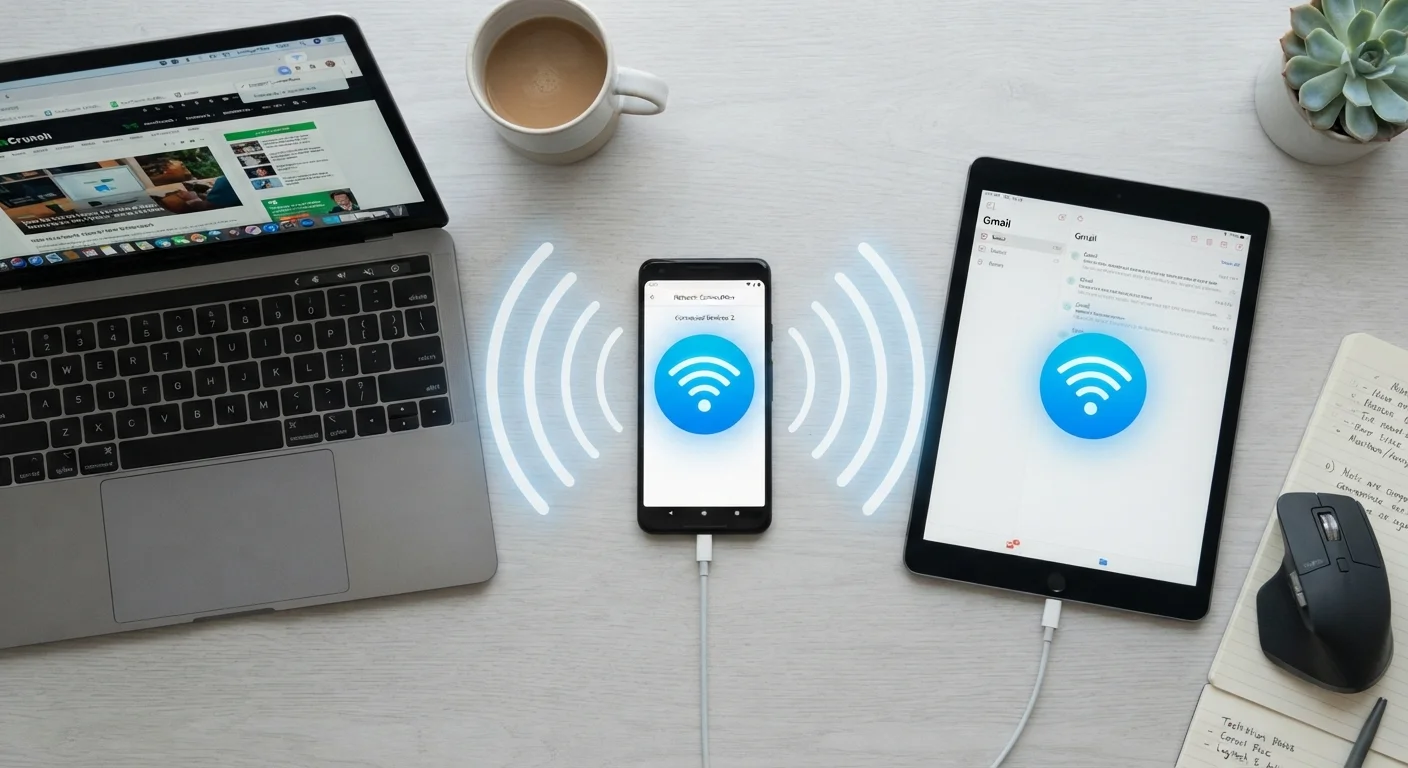
When you enable the hotspot feature on your smartphone, your phone's cellular radio continues receiving data from your carrier's network as it normally would. Simultaneously, the phone activates its Wi-Fi transmitter in a broadcasting mode - creating a small, password-protected wireless network that other devices can detect and join.
Traffic from those connected devices travels through your phone in both directions: requests go out through the cellular connection to the internet, and responses come back through cellular and are forwarded via Wi-Fi to the requesting device. Your phone manages this routing automatically using built-in networking software.
This process is distinct from how your phone uses data for its own apps. The cellular signal reaching your phone is the same regardless - what changes is how that signal's bandwidth is divided and routed. Understanding this distinction matters because it's precisely where carrier policies begin to affect your experience.
Hotspot Is Not a Separate Data Source
A common misconception is that enabling a hotspot gives connected devices their own independent data pipeline. In reality, all connected devices draw from the same cellular data plan as the phone itself. If your plan has a 10 GB hotspot allowance and you stream 10 GB on a connected laptop, that allowance is consumed - regardless of how much on-device data remains.
What Limits Hotspot Speed
Several independent factors combine to determine the real-world speed you get from a mobile hotspot:
- Cellular network generation: A phone connected to a 5G network can, in theory, offer dramatically faster hotspot speeds than one on 4G LTE - but only if the device hardware supports 5G and coverage is present at your location.
- Signal strength: Even on a capable network, a weak signal - measured in bars or signal-to-noise ratio - reduces throughput and increases latency. Walls, distance from towers, and radio interference all play a role.
- Carrier-imposed throttling: Many unlimited plans cap hotspot data speeds at a lower threshold (often 5-15 Mbps) regardless of the underlying network speed available. After a monthly hotspot data allotment is exceeded, speeds may drop further.
- Number of connected devices: Each device sharing the hotspot is drawing from the same pool of available bandwidth. Streaming video on two laptops simultaneously will noticeably affect speeds experienced by all connected devices.
- Phone hardware and temperature: Older or thermally stressed phones may throttle their own radios to manage heat. See why phones slow down over time for context on how hardware age factors in.
5-15 Mbps
Typical carrier hotspot speed cap on unlimited plans
Many U.S. unlimited plans throttle hotspot data to this range, regardless of whether the underlying 4G LTE or 5G network is capable of faster speeds.
~50%
Faster battery drain during hotspot use vs. idle
Simultaneously running cellular and Wi-Fi radios in broadcast mode places substantially higher demands on the battery than standard on-device use.
Up to 15
Maximum devices most smartphones support simultaneously
Hardware limits vary by phone model; practical performance often degrades with more than 3-5 active, bandwidth-consuming devices connected at once.
How Carrier Plans Shape Your Hotspot Experience
The terms of your wireless plan have as much impact on hotspot performance as the technology itself. Most major carriers distinguish between on-device data and hotspot data in their plan structures. Even plans marketed as "unlimited" typically include fine print that defines a separate hotspot data bucket - often with both a speed cap and a monthly usage threshold beyond which speeds are reduced further.
Some plans also deprioritize hotspot traffic during network congestion, meaning that when towers are busy, hotspot-connected devices may experience slowdowns before the phone's own traffic is affected. If you rely on hotspot access regularly for work or travel, reviewing the specific hotspot terms in your plan - not just the headline data allowance - gives you a more accurate picture of what to expect. For additional strategies, reducing mobile data usage can help stretch your allowance further.
Check Your Plan's Hotspot Terms Before Relying on It
Before using your hotspot for bandwidth-intensive tasks like video conferencing or large file transfers, look up the specific hotspot data cap and speed limits in your carrier's plan details - not just the total data allowance. Many plans list these separately in the fine print. Knowing your actual speed cap and monthly threshold helps you plan usage and avoid surprise slowdowns at a critical moment.
Hotspot vs. Public Wi-Fi: A Security Perspective
One often-overlooked benefit of a personal hotspot is the security advantage it holds over open public Wi-Fi networks. When you connect to your own hotspot, traffic between your device and the phone is encrypted using WPA2 or WPA3 protocols - standards that unsecured café or airport Wi-Fi networks typically don't offer.
This doesn't make a hotspot entirely risk-free - the cellular connection itself is subject to the security practices of your carrier - but it substantially reduces the risk of network-level eavesdropping that is more plausible on open networks. For a fuller comparison of what public Wi-Fi risks are realistic versus overstated, see public Wi-Fi risks and precautions.
For users making or receiving calls while sharing a hotspot connection, it's worth understanding how voice data travels over cellular and Wi-Fi. How mobile data, Wi-Fi calling, and VoIP work explains the differences and when each method is most reliable.
