
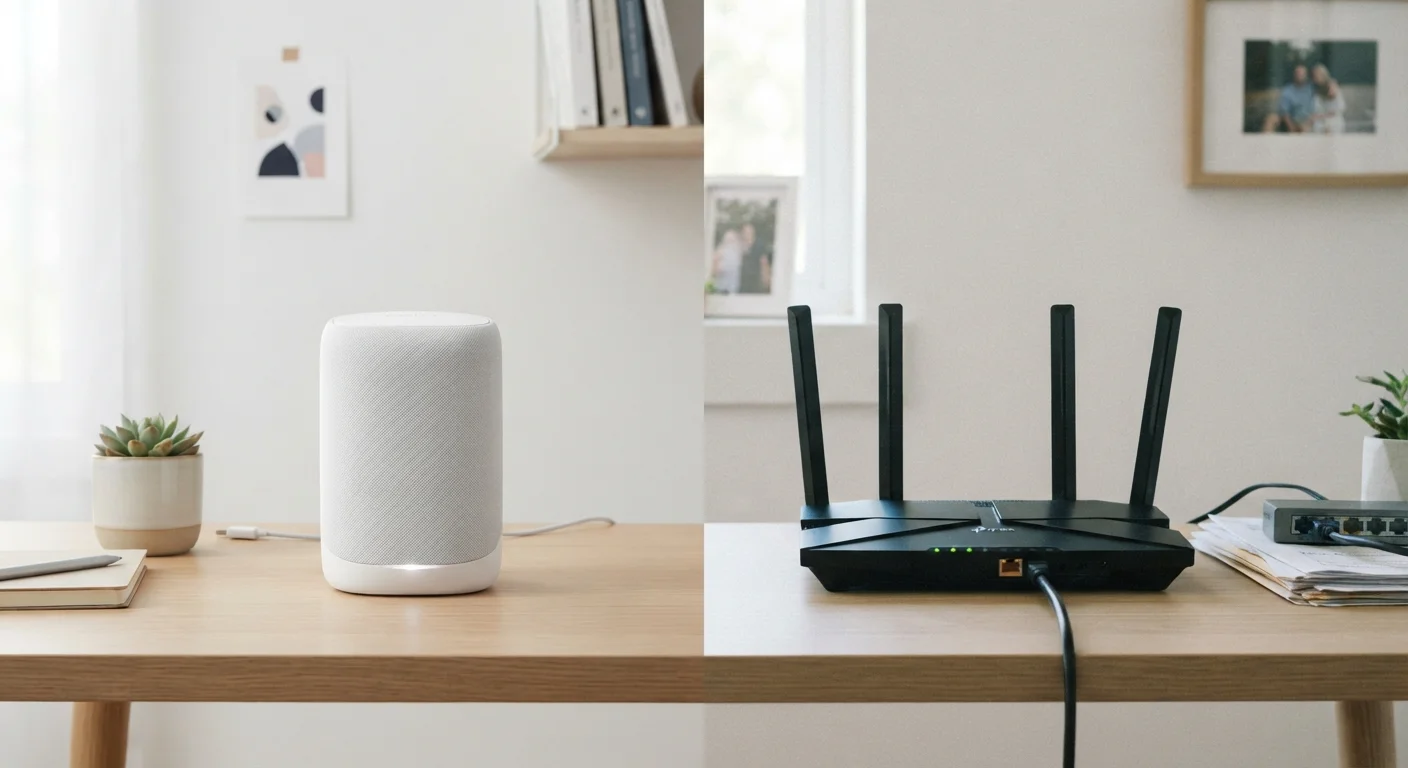
How Each System Delivers Wi-Fi
A traditional router is a single device that connects to your modem and broadcasts a Wi-Fi signal outward in all directions. Coverage is strongest closest to the router and weakens with distance, walls, and interference. For most apartments and smaller homes, a well-positioned router handles the job without issue. For a deeper look at what a router is actually managing behind the scenes, see our guide to router settings and functions.
A mesh Wi-Fi system replaces - or works alongside - a traditional router by distributing several nodes around your home. Each node communicates with the others, creating a unified network that reaches areas a single router cannot. Most mesh systems use a dedicated wireless backhaul (a separate radio channel between nodes) so that traffic between nodes doesn't compete with traffic to your devices.
The practical result: walk from your kitchen to your upstairs bedroom and your phone stays on the same network name, handing off between nodes without requiring you to reconnect.
| Criterion | Mesh Wi-Fi Systems | Traditional Routers |
|---|---|---|
| Coverage area | Whole-home via multiple nodes | Single broadcast point |
| Setup complexity | App-guided, beginner-friendly | Browser-based, moderate |
| Upfront cost | Higher (multi-device kit) | Lower (single device) |
| Seamless roaming | Yes, automatic handoff | Not typically |
| Advanced configuration | Limited via app | Extensive via dashboard |
| Scalability | Add nodes as needed | Requires access points or extenders |
| Best home size | 2,000+ sq ft or complex layout | Under ~2,000 sq ft, open plan |
Coverage, Performance, and Control
Coverage: Mesh systems have a clear advantage in larger or architecturally complex spaces - multi-story homes, houses with thick concrete or brick walls, or layouts with long corridors. A traditional router placed centrally works well in open floor plans up to roughly 1,500-2,000 square feet, though exact coverage depends heavily on construction materials and interference sources.
Performance: Neither approach is inherently faster. Both can support the same Wi-Fi standards - including Wi-Fi 6, which improves efficiency in device-dense environments. Learn more about what that standard change actually means in practice in our Wi-Fi 6 vs. Wi-Fi 5 comparison. Where mesh can underperform is if nodes rely on a wireless backhaul in a congested radio environment - a wired backhaul (nodes connected via Ethernet cable) eliminates that bottleneck entirely.
Control: Traditional routers typically expose more configuration options - detailed firewall rules, QoS (Quality of Service) prioritization, and VLAN support. Mesh systems prioritize ease of use, and most are managed through a smartphone app rather than a browser-based dashboard. For users who value simplicity over customization, this is a feature. For those who want fine-grained control, it can feel limiting.
Wired Backhaul Makes a Difference
If you opt for a mesh system and can run Ethernet between your nodes, doing so significantly improves performance and reliability. Wireless backhaul is convenient but shares radio spectrum with your devices, which can reduce throughput - especially in homes with many connected devices. Many mesh systems support wired backhaul as an option even if they don't require it.
Cost, Setup, and Long-Term Considerations
Upfront cost: A capable traditional router generally costs less than a comparable mesh system, since you're purchasing a single device rather than a set of two or three nodes. Mesh kits vary widely in price depending on coverage area and feature set.
Setup: Mesh systems are typically designed for non-technical users. Apps walk you through placement and configuration with minimal technical knowledge required. Traditional routers involve browser-based setup that, while not complicated, can feel less intuitive for first-time users.
Scalability: Mesh systems are modular - you can add a node later if you move or renovate. Traditional router setups can be expanded using wired access points or range extenders, though the latter can introduce performance trade-offs if not implemented carefully.
Guest networks: Both approaches support guest network creation. The process differs - mesh apps usually make it straightforward, while traditional routers handle it through settings menus. Our guide on setting up a guest Wi-Fi network at home walks through the general process applicable to most setups.
~2,500 sq ft
Typical single-router effective coverage
Industry estimates suggest most consumer routers provide reliable coverage within roughly 1,500-2,500 square feet under typical home conditions, with walls and interference reducing real-world range.
25+
Average connected devices in U.S. homes
According to Deloitte's Digital Media Trends survey, the average U.S. household connects more than 25 devices to its home network, a figure that has grown steadily year over year.
