
The Core Technical Differences
Wi-Fi 5 (technically IEEE 802.11ac) arrived around 2013 and became the dominant home networking standard for nearly a decade. Wi-Fi 6 (IEEE 802.11ax), introduced in 2019, wasn't designed primarily to deliver faster speeds - it was designed to handle more devices doing more things at the same time.
Two technologies sit at the heart of that difference:
- OFDMA (Orthogonal Frequency-Division Multiple Access): Wi-Fi 5 serves devices one at a time per channel, even if the wait is measured in milliseconds. Wi-Fi 6 uses OFDMA to split a single channel into smaller resource units, serving multiple devices simultaneously. Think of Wi-Fi 5 as a single checkout lane and Wi-Fi 6 as several express lanes open at once.
- BSS Coloring: In dense environments - apartment buildings, suburban neighborhoods - neighboring Wi-Fi networks can cause interference. Wi-Fi 6 assigns a color tag to packets, allowing devices to identify and largely ignore traffic from nearby networks rather than pausing to let it pass.
Wi-Fi 6 also supports MU-MIMO (Multi-User, Multiple Input, Multiple Output) with up to eight simultaneous data streams, compared to four in Wi-Fi 5. That said, realizing this benefit requires compatible client devices, not just a capable router.
| Criterion | Wi-Fi 6 (802.11ax) | Wi-Fi 5 (802.11ac) |
|---|---|---|
| IEEE Standard | 802.11ax | 802.11ac |
| Theoretical Max Speed | Up to 9.6 Gbps | Up to 3.5 Gbps |
| Multi-device efficiency | OFDMA (high efficiency) | OFDM (sequential access) |
| MU-MIMO streams | Up to 8 streams | Up to 4 streams |
| Interference reduction | BSS Coloring included | Not available |
| Battery efficiency feature | Target Wake Time (TWT) | Not available |
| Frequency bands | 2.4 GHz and 5 GHz | 5 GHz primary (some 2.4 GHz) |
| Backward compatibility | Yes, supports older devices | Yes, supports older devices |
| Introduced | 2019 | 2013 |
What Changes in a Real Home Environment
Marketing materials often cite theoretical maximum speeds - Wi-Fi 6 can reach up to 9.6 Gbps versus Wi-Fi 5's 3.5 Gbps ceiling. In practice, no home broadband plan or typical device comes close to either figure. The speed headline largely misses the point.
Where Wi-Fi 6 does produce meaningful differences at home:
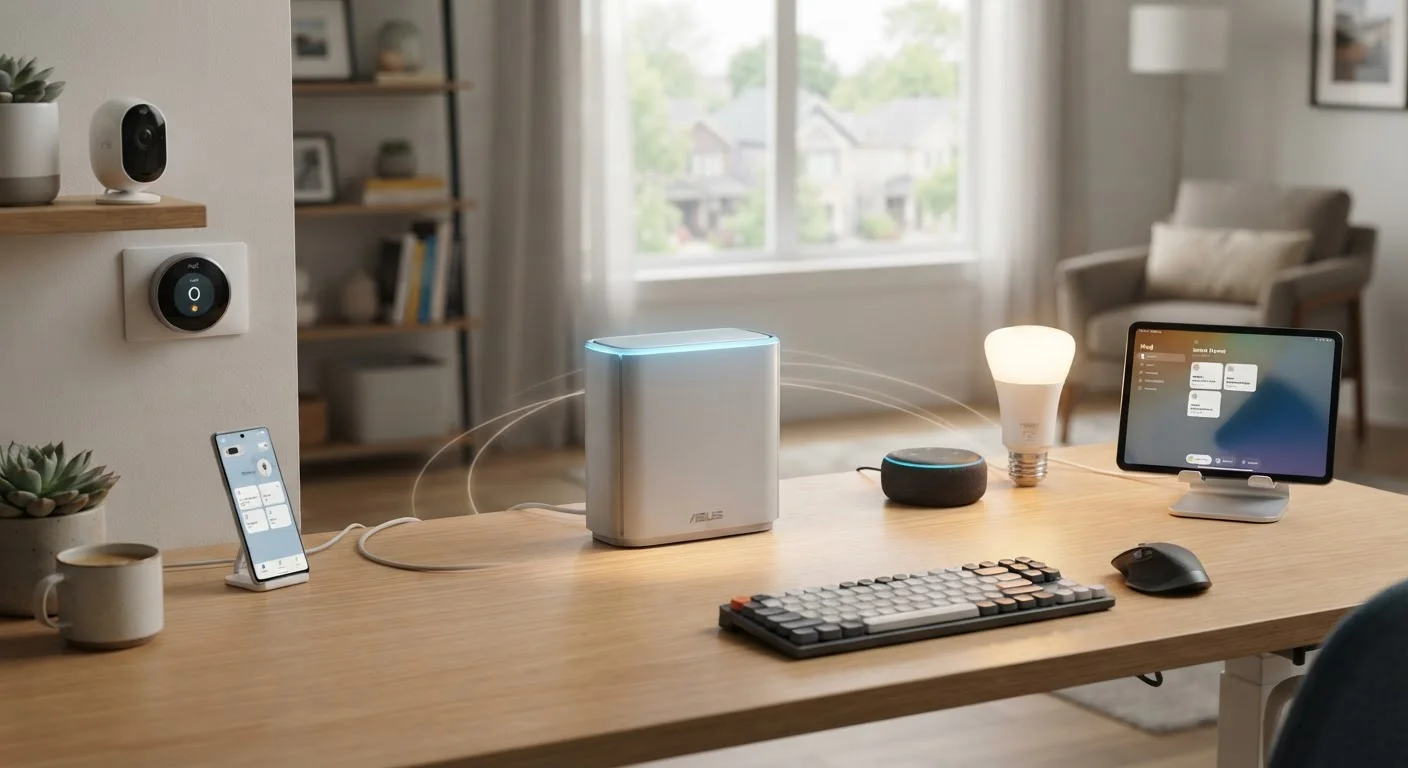
- Device-dense scenarios: If you routinely have smartphones, laptops, smart TVs, tablets, security cameras, smart speakers, and thermostats all active simultaneously, Wi-Fi 6's OFDMA dramatically reduces the queuing delays that cause buffering, lag, or dropped video calls.
- Reduced latency under load: Wi-Fi 6 lowers average latency, which matters most during gaming and video conferencing - particularly when other household members are also streaming.
- Battery efficiency: Wi-Fi 6 includes a feature called Target Wake Time (TWT) that lets devices schedule when they communicate with the router, reducing how often radios need to be active. This can extend battery life on smartphones, laptops, and IoT sensors.
If your household has a handful of devices and a modest broadband plan, Wi-Fi 5 may deliver an experience that is indistinguishable from Wi-Fi 6 in day-to-day use. The upgrade's value is directly proportional to network congestion and device count.
For context on how these improvements fit alongside your physical cabling choices, see our guide to Ethernet cable categories.
~75%
Average real-world speed gain, Wi-Fi 6 vs Wi-Fi 5
According to testing published by the Wi-Fi Alliance, Wi-Fi 6 delivers roughly 75% higher average throughput in environments with multiple competing devices.
4x
Capacity improvement in dense device environments
The Wi-Fi Alliance has noted Wi-Fi 6 can support approximately four times the network capacity of Wi-Fi 5 when many devices are active simultaneously.
30%+
Potential battery life improvement for Wi-Fi 6 devices
Target Wake Time (TWT) scheduling in Wi-Fi 6 can reduce device radio activity, with the Wi-Fi Alliance reporting potential battery gains exceeding 30% for compatible endpoints.
Should You Upgrade? Practical Considerations
Upgrading to Wi-Fi 6 means replacing your router - and getting full benefits also requires that your devices support the standard. Most smartphones, laptops, and tablets released from 2020 onward include Wi-Fi 6 chips, but older devices will fall back to Wi-Fi 5 or earlier automatically. The network remains backward compatible; no device is locked out.
Consider upgrading if:
- You regularly experience slowdowns when multiple people or devices are active at once.
- Your current router is more than four or five years old and due for replacement anyway.
- You are building out a new smart home setup with many IoT devices.
Hold off if:
- Your current router is recent and your household has fewer than ten connected devices.
- Your internet service plan is under 200 Mbps - the bottleneck is your ISP, not your Wi-Fi standard.
It is also worth noting that Wi-Fi 6E - an extension of Wi-Fi 6 that adds the 6 GHz frequency band - is now available and offers even less congested airspace, though device support remains more limited. If you are considering a new router, evaluating whether Wi-Fi 6E hardware fits your budget and device ecosystem is reasonable.
If whole-home coverage is a concern alongside the standard you choose, our comparison of mesh Wi-Fi versus traditional routers covers how topology decisions interact with your Wi-Fi standard choice. You may also want to review how setting up a guest Wi-Fi network can help manage connected device congestion once your network is in place.
Backward Compatibility: No Device Left Behind
Upgrading to a Wi-Fi 6 router does not render older devices unusable. Wi-Fi standards are backward compatible - a laptop or phone that only supports Wi-Fi 5 will still connect to a Wi-Fi 6 router, just at Wi-Fi 5 speeds. The newer router can still help by managing airtime more efficiently for all connected devices, even those running older standards.
