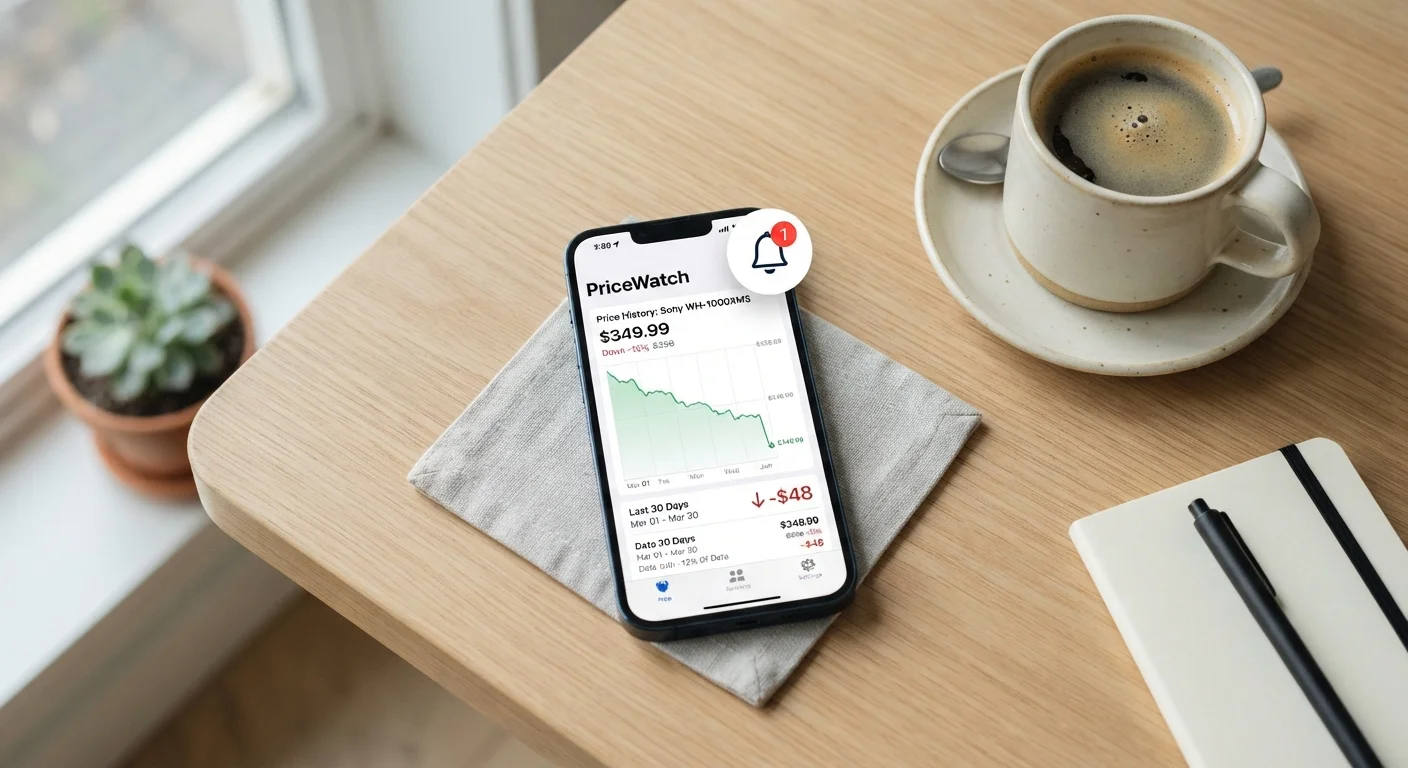
Why Most Price Alerts Fail to Deliver Real Savings
Price alerts are a genuinely useful tool, but most people configure them in a way that makes them nearly useless. The most common mistake is setting an alert based on the current listed price - typically a percentage discount from whatever number the retailer shows today. Because retailers control the reference price, this approach makes it trivially easy for a "sale" to trigger your alert without the item actually reaching a fair market value.
The second failure mode is inaction overload: alerts accumulate, notifications get buried, and by the time you act, the price has reverted. A well-configured alert system is compact, deliberate, and anchored to real price data rather than retailer-defined discounts.
Understanding predictable price cycles in your product category helps you set realistic thresholds - some categories drop reliably at specific times of year, meaning your target price is achievable if you're patient.
Stack Alerts Across Multiple Trackers
Different tracking tools pull data from different retailers and may not cover the same marketplaces. Setting an alert for the same product in two separate tools increases your coverage without much extra effort. If both fire at once, that convergence is a stronger signal that the price is genuinely low.
Tools and Setup
Before you follow the steps below, gather what you need:
What you will need
Price-tracking browser extension or web tool
Tracks historical prices for a specific product URL and sends an alert when your target price is reached.
Spreadsheet or note-taking app
Records the items you're tracking, your target thresholds, and the date you set each alert for periodic review.
Dedicated email folder or push notification app
Separates price-alert messages from regular email so triggered alerts are not missed or buried.
Price-tracking tools vary in retailer coverage and alert reliability. It's worth checking user reviews not for product rankings, but specifically for whether the tool's alerts actually fire on time and whether its price history data is accurate. An alert that fires six hours after a flash sale ends is of no practical value. If you want to compare how alert-based shopping fits into a broader strategy, see our guide on reading deal aggregator sites without getting overwhelmed.
Don't Set and Forget Your Alert List
An alert set months ago may fire for a product that has since been superseded by a newer model, or for a seller with poor reliability ratings. Review your active alerts at least once a month and delete any that no longer match your actual needs. Acting on a stale alert is one of the most common ways consumers end up with a purchase they regret.
Step-by-Step: Configuring an Alert That Works
Follow these steps in order. Skipping the research phase (Step 1) undermines every subsequent step.
Research the product's price history before setting any threshold
Before you configure an alert, spend a few minutes understanding what the item has actually sold for over the past 90 to 180 days. A price history check will show you the typical range, the all-time low, and whether the current price is elevated, normal, or already discounted. Without this baseline, you have no rational way to choose a threshold - you'd just be guessing.
Choose a threshold based on historical data, not the current listing price
Set your alert price at or below the item's historical median - not as a percentage off the current price. If a product has averaged $85 over six months and is currently listed at $110, setting an alert for '10% off' means $99, which is still above average. Instead, set the threshold at $80 or lower, anchoring to what the market has actually charged. This single habit eliminates most manufactured discount traps.
Select your notification channel and confirm delivery
Most price-tracking tools offer email, push notification, or SMS. Email is convenient but easy to bury; push or SMS alerts are harder to miss and more appropriate for time-sensitive drops. After setting your alert, send a test notification if the tool offers one. Confirm the alert appears in the channel you expect before assuming you're covered.
Verify the alert before acting on it
When an alert fires, pause before purchasing. Confirm the price is live on the retailer's site, check the seller's rating if it's a marketplace listing, and re-run a quick price-history scan to validate the drop is meaningful. Timing a purchase thoughtfully also means checking whether a larger seasonal discount is likely within the next few weeks - if so, waiting may be the smarter move.
[important_callout]
Review and prune your active alert list monthly
Set a recurring reminder to audit all active alerts once a month. Remove items you no longer need, update thresholds if your budget has changed, and delete alerts for products that have been discontinued or replaced. A short waiting period practice pairs well here - if you're no longer willing to wait for a lower price on something, that's useful information about whether you actually need it.