
The Core Difference: Software Tied to Hardware vs. Software You Can Swap
When you buy a smart TV, the manufacturer bundles a proprietary operating system - platforms like Roku TV, Google TV, Tizen (Samsung), or webOS (LG) - directly into the display. That software is deeply integrated with the hardware and, crucially, updated on a schedule the TV manufacturer controls. Once a TV model ages out of support, its software may stop receiving meaningful improvements.
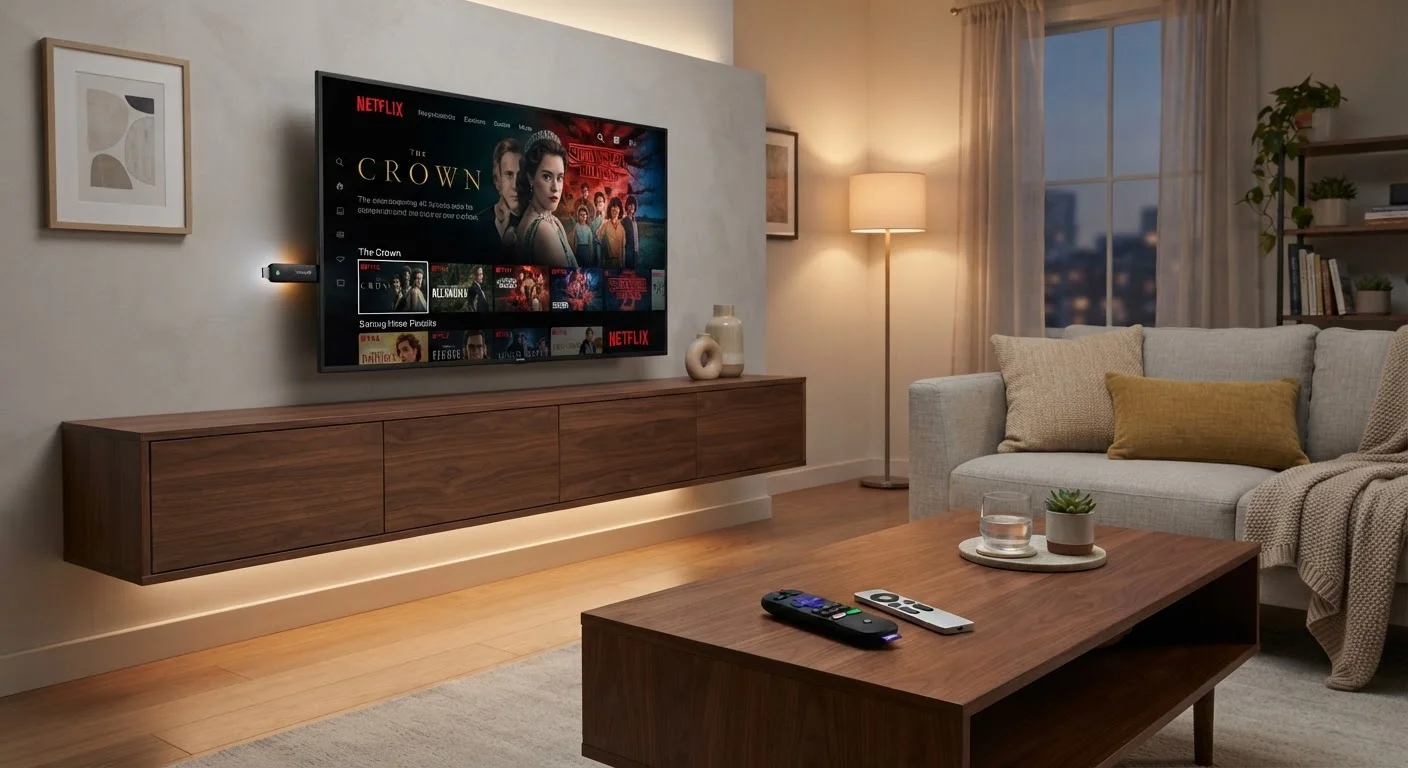
A streaming stick - such as those running Roku OS, Amazon's Fire TV, or Google TV - is a self-contained computer that plugs into your TV's HDMI port. The company behind the stick controls its own update cycle, independent of any TV manufacturer. Because streaming stick makers compete primarily on software quality, they tend to push updates more aggressively and consistently.
The practical implication: your content doesn't actually live on either device. Every Netflix episode, Disney+ film, or YouTube video is stored on remote servers and streamed to you on demand. What your device determines is the interface through which you find and play that content - and how quickly that interface evolves over time. For a deeper look at why keeping that interface current matters, see why firmware updates matter for living room devices.
App Availability and Update Speed
One of the most common frustrations with built-in smart TV platforms is the lag between a new streaming service launching and that service appearing as an app on your TV's store. TV manufacturers must negotiate and certify each app for their platform - a process that can take months longer than it takes the same app to arrive on a dedicated streaming stick.
Streaming stick platforms, by contrast, tend to maintain larger and more current app libraries, partly because developers prioritize them. If you follow a niche sports league, a regional streaming service, or an emerging platform, there's a reasonable chance it appears on a streaming stick before it reaches your TV's built-in store - if it arrives there at all.
| Criterion | Smart TV Platforms | Streaming Sticks |
|---|---|---|
| Update frequency | Tied to TV manufacturer schedule | Controlled by stick maker; typically faster |
| App availability | Varies; often lags behind | Generally broader and more current |
| Performance speed | Shares processor with display functions | Dedicated processor for streaming only |
| Portability | Fixed to the display | Travels between TVs and locations |
| Setup complexity | None - built in at purchase | Minimal - one HDMI plug and Wi-Fi setup |
| Remote control | Single remote for all functions | May require CEC or second remote |
| Long-term software support | Ends when model is discontinued | Outlasts many TVs; replace stick independently |
Performance is another meaningful variable. Built-in smart TV processors are designed to manage the display itself; the streaming software runs on whatever processing headroom remains. Dedicated streaming sticks use their entire processor budget for the streaming experience, which often translates to snappier menus, faster app launches, and smoother scrolling. This gap tends to widen as a TV ages and its software grows more complex relative to its fixed hardware.
When the Two Can Coexist - and When One Is Enough
A streaming stick doesn't replace your TV - it replaces your TV's interface. Plug one in, set it as the default HDMI input, and most viewers never see the built-in platform again. This is a genuinely useful option if you purchased a television primarily for its display quality - perhaps after researching OLED, QLED, and LED panel differences - but find its software dated or slow.
However, if your smart TV came with a platform that's actively maintained, ships with the apps you use, and feels responsive, adding a streaming stick may offer only marginal benefit. Many higher-end televisions sold in the last two to three years ship with platforms that receive regular updates and broad app support, narrowing the gap considerably.
HDMI-CEC: Useful But Not Universal
HDMI-CEC is a standard that allows devices connected via HDMI to exchange basic commands - so your TV remote can control play/pause on a connected streaming stick. Most TVs support some version of it, though manufacturers brand it differently (Samsung calls it Anynet+, LG calls it SimpLink). Compatibility and reliability vary, so it's worth testing before assuming seamless single-remote operation.
One area where built-in platforms retain an edge is input switching. A smart TV remote typically controls both the display settings and the streaming interface in one place. With a streaming stick, you may juggle two remotes or rely on HDMI-CEC (a feature that lets devices communicate over HDMI) to consolidate control - which works well in many setups but can be inconsistent depending on the TV model.
The picture quality you see is shaped by the display itself, not the streaming device - though the streaming device does determine which HDR formats like Dolby Vision or HDR10 it can pass through to the screen. And regardless of which device you choose, streaming quality settings and your data usage deserve attention to get the most from your connection.
