
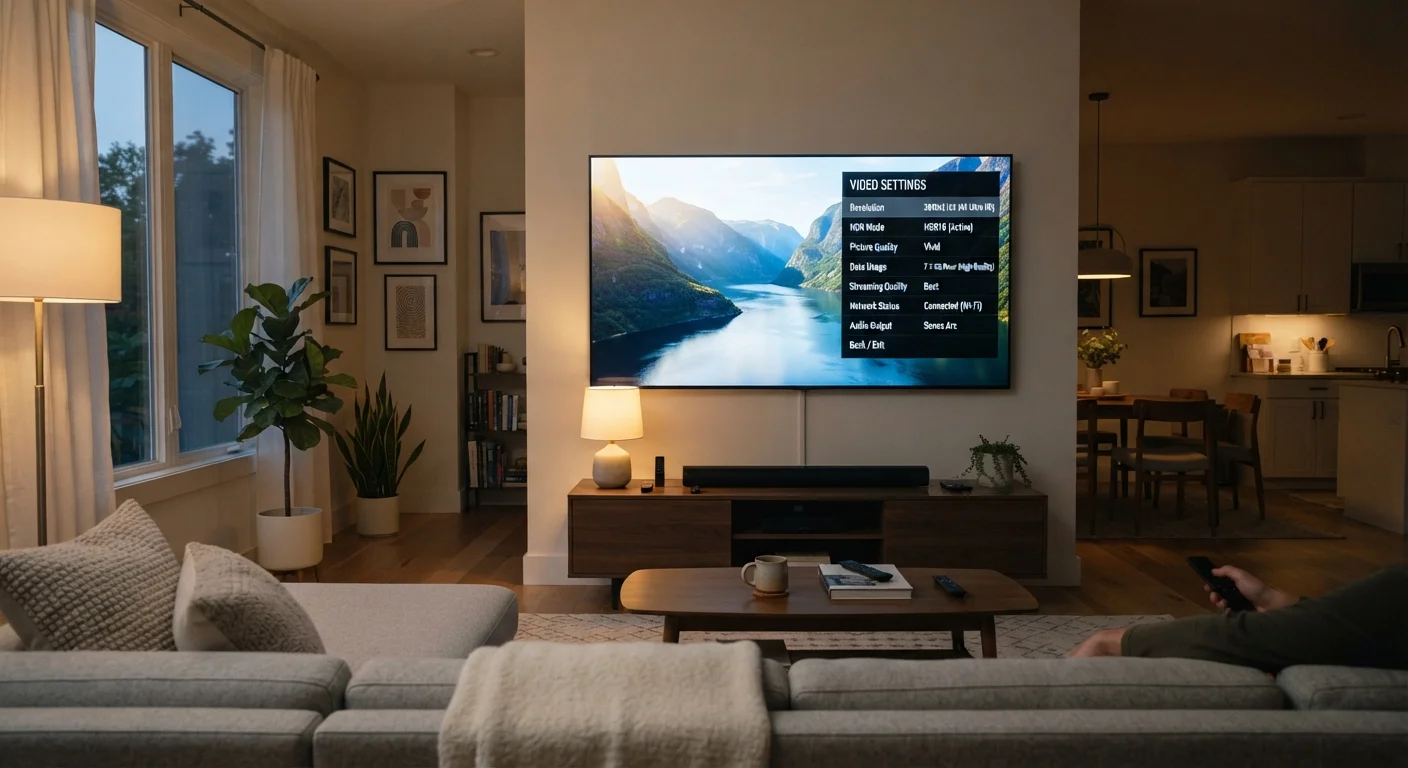
How Resolution Tiers Work
Streaming platforms organize video quality into tiers based primarily on resolution - the pixel dimensions of the video frame. Common tiers include:
- Standard Definition (SD): Typically 480p (720×480 pixels). Suitable for small screens or very limited connections.
- High Definition (HD): Usually 720p or 1080p. The most common setting for home viewing.
- 4K Ultra HD: 2160p (3840×2160 pixels). Four times the pixel count of 1080p, requiring significantly more data and a capable display.
Resolution alone does not tell the whole story. Platforms also adjust bitrate - the amount of data delivered per second - within each tier. A well-compressed 1080p stream at a high bitrate can look noticeably better than a poorly compressed 1080p stream. This is why streaming quality can appear to vary even when the resolution label stays the same.
For a deeper look at how display specifications interact with the content you stream, see our guide to HDR formats and how they affect what you see on screen.
The Data Cost of Higher Quality
The trade-off between picture quality and data consumption is significant and worth understanding before you set your defaults.
~1 GB/hr
Standard Definition (480p) data use
Approximate figure based on typical platform encoding; actual usage varies by service and codec.
~3-5 GB/hr
HD (1080p) data use per hour
Most major streaming platforms publish data usage estimates in their help documentation.
~7-20 GB/hr
4K Ultra HD data use per hour
The wide range reflects differences in platform compression efficiency and HDR encoding overhead.
These figures are approximate and vary by platform, content type, and encoding efficiency. Platforms that use more modern video codecs - such as HEVC/H.265 or AV1 - can deliver comparable quality at lower bitrates than older H.264 streams. However, not all devices support every codec, so platforms often negotiate the best format your device can handle.
If you stream primarily over a home broadband connection without a data cap, quality settings are mostly a matter of preference. On a metered mobile connection or a capped home plan, a few hours of 4K viewing can consume a meaningful portion of your monthly allowance. Managing these settings deliberately is a practical habit worth building - our article on reducing mobile data usage covers complementary strategies at the device level.
Perceivable Quality vs. Real-World Viewing Conditions
More pixels and higher bitrates are measurably better in technical terms - but whether you can perceive that improvement depends on your setup.
Match Quality to Your Actual Screen
Before defaulting to the highest quality setting, consider your screen size and typical viewing distance. On screens under 40 inches or at distances over 8 feet, 1080p is generally indistinguishable from 4K for most viewers. Saving the higher tier for large-screen, close-up viewing gives you the best return on the extra data spend.
Viewing distance plays a central role. Human vision has a practical limit to how much fine detail it can resolve at a given distance. For a 55-inch screen, most viewers sitting 8-10 feet away gain little visible benefit from 4K over 1080p. At closer distances on larger screens, the difference becomes more apparent.
Screen size also matters alongside resolution. A 32-inch monitor viewed from two feet away may benefit from 1080p in ways that a projector at the same distance would not. These same principles apply to how refresh rate specs interact with motion perception - a concept explored in our refresh rate explainer.
The practical guidance: use 4K settings when your screen is large, your seating is close, and your connection handles it comfortably. In other situations, 1080p HD often delivers an excellent experience at a fraction of the data cost.
Setting Quality Manually vs. Automatically
Most streaming apps offer two approaches to quality control:
- Automatic (Adaptive Bitrate)
- The app continuously monitors your connection and adjusts quality in real time. This approach minimizes buffering but means quality may dip temporarily when bandwidth fluctuates. It is the most convenient default for most viewers.
- Manual
- You choose a fixed quality tier. The stream will maintain that level or buffer if your connection cannot sustain it. This is useful when you want predictable data consumption - such as capping everything at 720p on a mobile plan.
Where you find these settings varies by platform, but they are typically located under Account or Profile settings, often with separate options for Wi-Fi and cellular connections. Making these adjustments once per device is a small effort that can meaningfully affect your monthly data usage over time.
Platform Encoding Varies Significantly
Two platforms both labeled '4K' may use very different bitrates and codecs, resulting in noticeably different picture quality even at the same resolution. Platforms that use newer codecs like AV1 can deliver sharper results at lower data rates, but your device must support that codec to benefit. Check your streaming app's help pages for specifics about their encoding approach.
The same logic that applies to video codec efficiency applies in other domains - like audio streaming. Our Bluetooth codecs explainer shows how compression and quality trade-offs work in wireless audio, which follows similar principles.
