
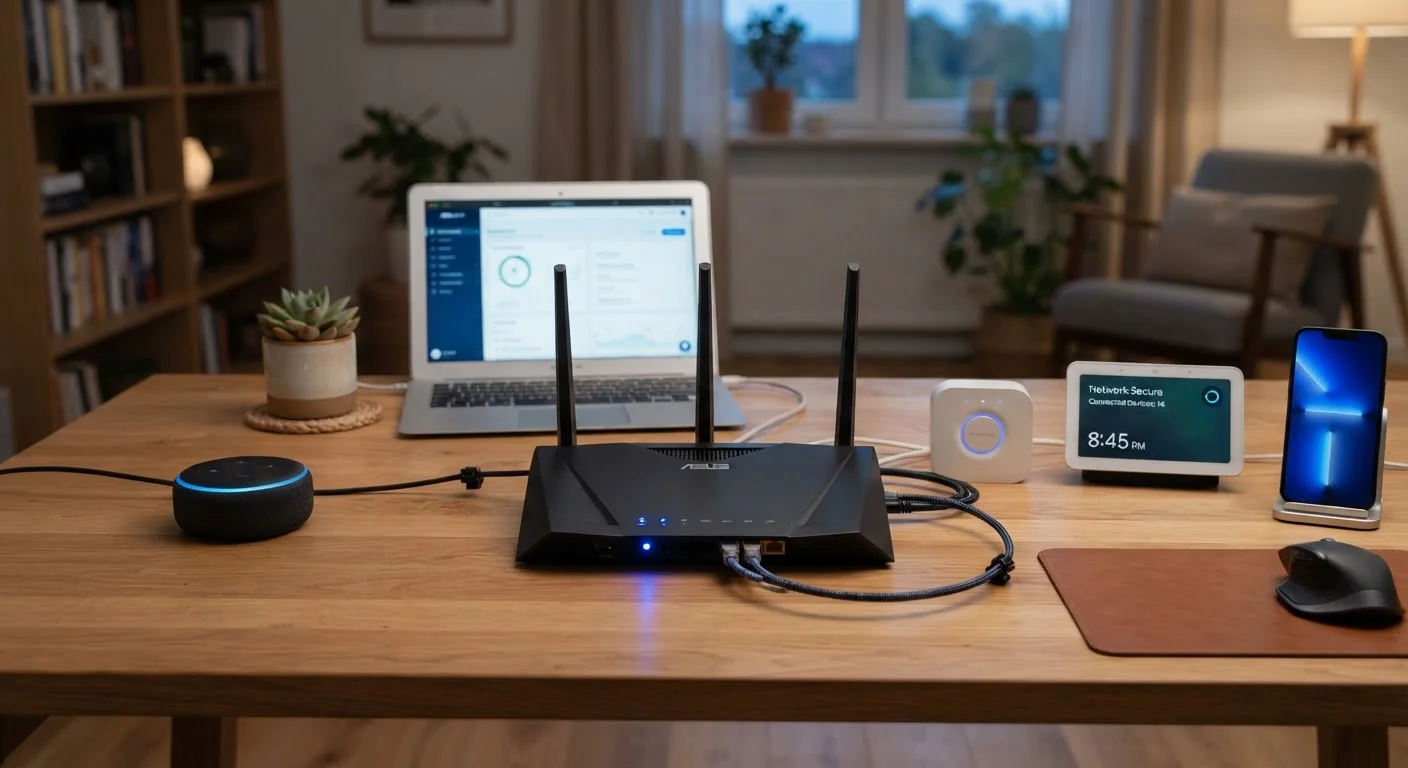
Why Home Network Security Starts at the Router
Your router is the gateway between every device in your home and the broader internet. It routes traffic for laptops, phones, smart TVs, thermostats, and security cameras - yet most households configure it exactly once, on the day it's installed, and never revisit the settings. That single oversight can leave an otherwise cautious household exposed.
Understanding what your router actually manages is the first step. For a deeper look at its core functions, see what a home router actually does and the settings that matter. Once you have that foundation, building the right habits becomes far more intuitive.
Replace the router's default admin username and password immediately after setup.
Manufacturers ship routers with identical default credentials that are publicly documented and trivially searchable. Leaving them unchanged means anyone who reaches your router's admin panel - locally or via an exposed interface - can take full control of your network settings.
Enable WPA3 encryption on your Wi-Fi network, or WPA2 at a minimum.
Encryption standards determine how difficult it is for nearby devices to intercept your wireless traffic. Older protocols like WEP and WPA have well-documented vulnerabilities and should be disabled. WPA3, available on most routers manufactured after 2019, offers meaningfully stronger protection.
Create a separate guest network for visitors and IoT devices.
Placing smart home gadgets - thermostats, cameras, lights, appliances - on the same network as your primary computers and phones means a compromised device can potentially reach everything else. Segmenting traffic limits how far a breach can spread.
Use a long, unique passphrase for your Wi-Fi network name (SSID) and password.
Short or common passwords are vulnerable to brute-force attempts. A passphrase of 16 or more random characters - or a string of unrelated words - dramatically increases the time and computational effort required to crack it. Avoid using personal information like addresses or names.
Disable remote management on your router unless you specifically need it.
Remote management allows your router's admin interface to be accessed from outside your home network. While occasionally useful, it significantly expands the attack surface. Most home users have no need for this feature and are safer with it turned off.
Periodically review which devices are connected to your network.
An unknown device on your network could indicate an unauthorized connection - or simply a forgotten gadget you no longer use. Regular audits help you maintain awareness of your network's footprint and identify anything unexpected.
Core Security Practices Worth Adopting Immediately
The habits below aren't advanced IT concepts - they're practical, low-effort steps that meaningfully reduce the risk of unauthorized access to your home network. Many can be implemented in under an hour.
Keeping Firmware Current and Understanding Why It Matters
Firmware is the embedded software that runs your router and other connected devices. Manufacturers release updates to patch security flaws - sometimes serious ones that are actively being exploited in the wild. Skipping updates doesn't just miss new features; it leaves known doors unlocked.
Most modern routers offer automatic firmware updates through their admin interface. Enabling this option is one of the highest-value, lowest-effort steps available. The same logic applies to smart TVs, streaming sticks, and other connected devices in your home - for a full breakdown, see everything in your living room that needs a firmware update.
When Automatic Updates Aren't Available
Older routers may not support automatic firmware updates. In that case, it's worth visiting the manufacturer's support page every few months to check for new releases manually. If a router is several years old and no longer receiving firmware updates from its manufacturer, it may be worth considering a replacement - unsupported hardware accumulates unpatched vulnerabilities over time.
Network security doesn't stop at the router. The devices connected to it also benefit from disciplined habits. For a grounded introduction to protecting computers and personal data, computer security basics every everyday user should understand covers passwords, updates, and phishing in approachable terms.
“Security is not a product, but a process. It's not something you buy once and then relax - it requires ongoing attention and a commitment to good habits over time.”
— Bruce Schneier, Security technologist and author on cryptography and cybersecurity
Smart home devices like cameras, doorbells, and locks introduce additional considerations. Many people hold misconceptions about what these products protect against - and what they don't. common misconceptions about smart home security cameras helps set realistic expectations and complements the habits described here.
