
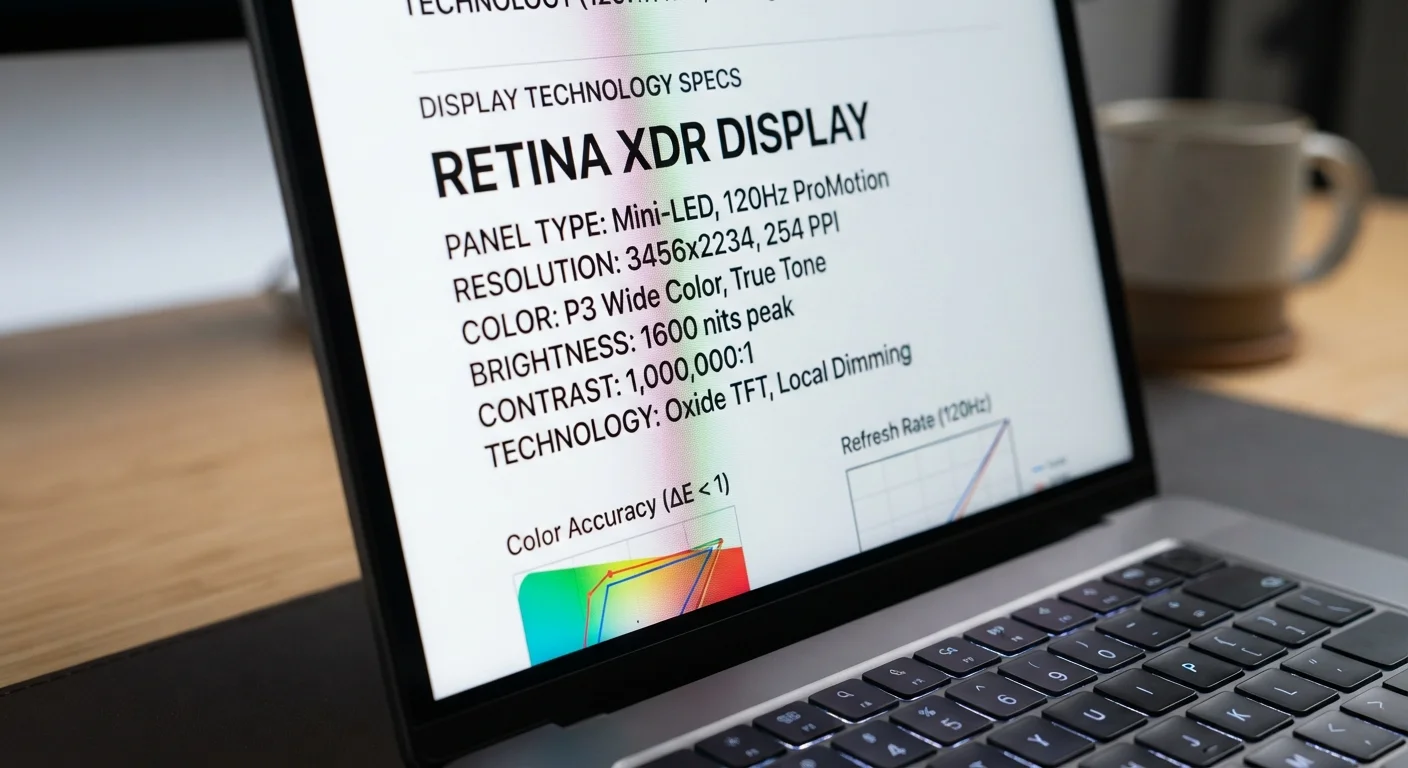
Resolution: How Many Pixels Are on Your Screen
Resolution describes the total number of pixels packed into a display, expressed as width × height. Common laptop resolutions include Full HD (1920×1080), QHD (2560×1440), and 4K UHD (3840×2160). More pixels generally means sharper images and crisper text - but the benefit depends heavily on screen size and how close you sit.
On a 13-inch screen, a Full HD panel already delivers a high pixel density, making individual pixels nearly invisible to the naked eye. Scaling up to 4K on that same screen size offers diminishing returns that most users simply won't perceive. On larger 17-inch displays, the difference between 1080p and 1440p becomes far more apparent at normal viewing distances.
Pixel density - measured in PPI - is the more meaningful comparison. A 1080p screen on a 13-inch laptop has a higher PPI than the same resolution on a 17-inch laptop, making it look noticeably sharper. For context, most displays above 200 PPI appear sharp for typical use.
1920×1080
Standard Full HD resolution on most laptops
Full HD remains the most common resolution shipped on laptops across all price segments, according to display industry data.
200+ PPI
Pixel density where sharpness becomes difficult to perceive
Display analysts generally note that screens above approximately 200 pixels per inch appear sharp to most viewers at typical laptop distances.
120Hz
Refresh rate threshold for noticeably smoother motion
User perception studies on display technology consistently identify 120Hz as the point at which scrolling and animation smoothness becomes clearly visible versus 60Hz.
Refresh Rate: How Smoothly Your Screen Updates
Refresh rate is the number of times per second a display redraws the image, measured in hertz (Hz). A 60Hz screen updates 60 times per second; a 144Hz screen updates 144 times per second. The higher the rate, the smoother motion appears - scrolling, cursor movement, and fast-moving video all benefit.
For everyday productivity tasks - email, word processing, web browsing - 60Hz is perfectly adequate. However, gamers and creative professionals who work with video or animation will notice a genuine improvement at 120Hz or above. Fast-paced content feels more fluid, and input lag (the delay between your action and the screen's response) is reduced.
One trade-off to keep in mind: higher refresh rates consume more power. Some laptops offer variable refresh rates that dynamically adjust between low and high Hz depending on what's on screen, helping preserve battery life without sacrificing smoothness when it's needed. For a deeper look at how this same concept applies to other screens, see how refresh rate works on smartphones.
Battery Life and Refresh Rate
If your laptop supports variable refresh rate (sometimes listed as VRR or adaptive sync), enabling it can meaningfully extend battery life. The screen drops to a lower Hz during static tasks like reading, then ramps up only when motion is detected. Check your display settings or power management options to see if this feature is available on your device.
Panel Type: The Technology Behind the Image
While resolution and refresh rate describe what a screen does, panel type describes how it does it. Three technologies dominate the laptop market:
- IPS (In-Plane Switching): The most common panel type for mainstream and professional laptops. IPS panels deliver accurate colors, wide viewing angles (you can see the screen clearly from the side), and consistent brightness. They use a backlight, which means blacks appear as very dark gray rather than true black.
- OLED (Organic Light-Emitting Diode): Each pixel produces its own light, so pixels can switch off entirely for true black. This creates exceptional contrast and vivid, saturated colors. OLED panels are increasingly found in premium laptops. The main considerations are higher price, potential for image retention over many years, and slightly higher power draw at peak brightness. For a parallel look at OLED in the living room, our guide on OLED vs. QLED vs. LED TV panels covers the same trade-offs.
- TN (Twisted Nematic): The oldest of the three technologies. TN panels have the fastest pixel response times, which appeals to competitive gamers. However, they have noticeably narrower viewing angles and weaker color reproduction compared to IPS and OLED.
Mini-LED Backlights: A Hybrid Option
Some premium laptops now use Mini-LED backlighting with IPS panels. This technology divides the backlight into hundreds of independently controlled zones, producing much deeper blacks and higher contrast than standard IPS - though still not matching true OLED per-pixel control. Mini-LED panels represent a middle ground between traditional IPS and OLED in terms of price and performance.
If you also use an external monitor, many of these same considerations apply - our monitor specifications guide walks through contrast ratio, color accuracy, and more.
Matching Specs to Your Real-World Use
Understanding these three spec categories lets you cut through marketing language and focus on what actually matters for how you use a laptop. Here's a practical framework:
- Everyday productivity and general use
- A 1080p IPS panel at 60Hz covers nearly every need - clear text, accurate-enough color, and comfortable viewing angles for shared work sessions.
- Creative professionals (photo, video, design)
- Prioritize color accuracy (look for wide color gamut coverage, such as sRGB or DCI-P3 ratings) and a higher resolution like 1440p or 4K. OLED panels are attractive here for their contrast, though a well-calibrated IPS is equally viable.
- Gamers
- A higher refresh rate (120Hz or above) matters more than resolution in most cases. A 1080p or 1440p IPS or OLED panel with 144Hz will outperform a 4K 60Hz screen for gaming smoothness.
- Frequent travelers
- Consider brightness (measured in nits) alongside panel type - a screen that looks great indoors may wash out under direct light. Aim for at least 300 nits for mixed-environment use.
This article is for informational and educational purposes only. Specifications, technology, and product availability change frequently; verify current details with manufacturers or retailers before making a purchase decision.
