
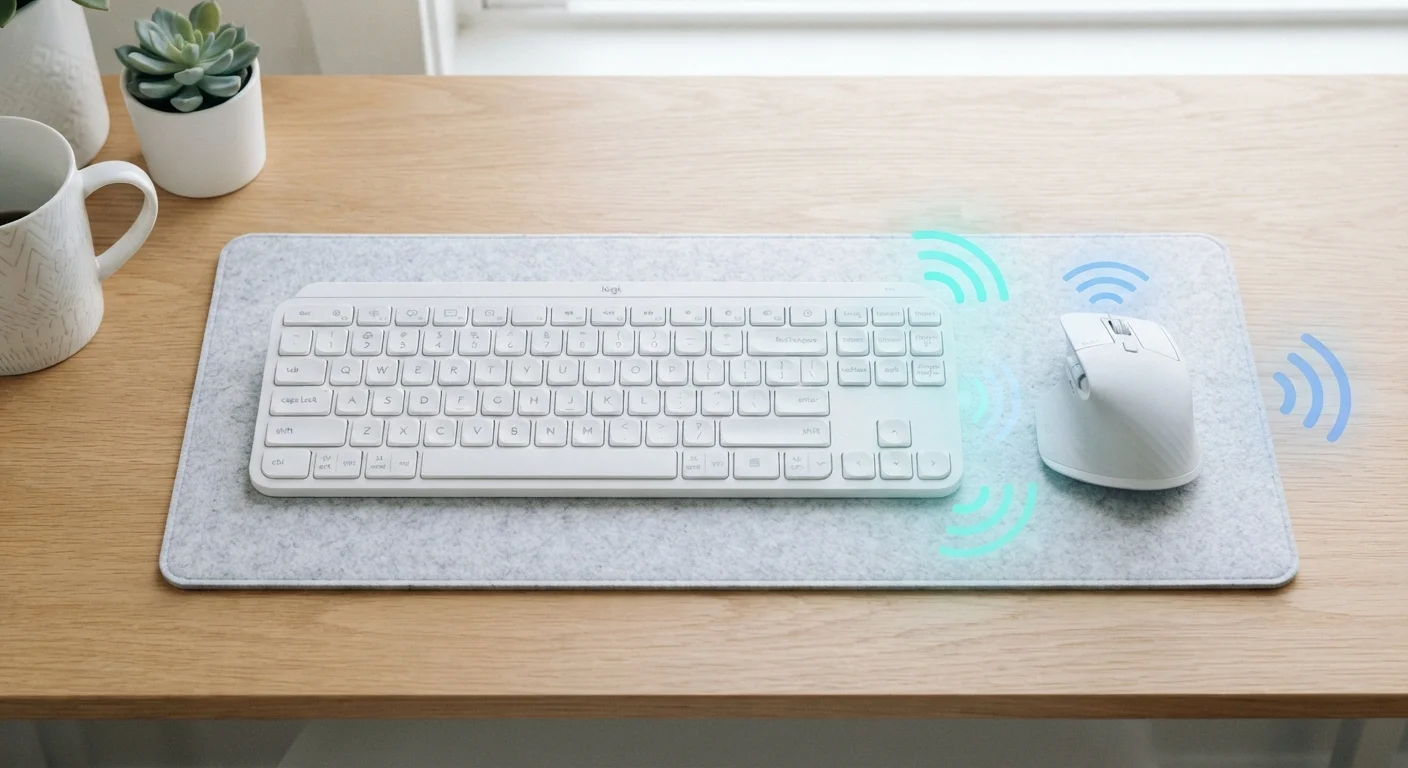
How Each Technology Actually Works
When you move a wireless mouse or press a key on a wireless keyboard, a radio signal travels from the peripheral to your computer. Both Bluetooth and RF wireless use radio frequency transmission to accomplish this - but they differ significantly in how those signals are managed.
Bluetooth is a standardized, open protocol governed by the Bluetooth Special Interest Group. It operates in the 2.4 GHz band and uses a technique called frequency-hopping spread spectrum to reduce interference. Because it's a universal standard, any Bluetooth-enabled device - laptop, phone, tablet, smart TV - can pair with a Bluetooth peripheral without extra hardware. The trade-off is that the protocol carries some overhead, meaning the signal must follow established handshake and connection rules that can introduce a small amount of additional latency.
RF wireless with a 2.4 GHz USB dongle takes a different approach. Peripheral manufacturers build proprietary communication protocols directly into both the device and its paired USB receiver. Because the dongle and peripheral are engineered together, the protocol can be stripped of unnecessary overhead, resulting in faster, more consistent data transmission. There's no open standard to comply with - just a direct, optimized radio link between two matched pieces of hardware.
For deeper context on how wireless signals behave across different technologies, see how smart home protocols like Zigbee and Z-Wave handle wireless communication.
| Criterion | Bluetooth | RF Wireless (2.4 GHz Dongle) |
|---|---|---|
| Requires USB dongle | No | Yes |
| Typical latency | Slightly higher (protocol overhead) | Lower (proprietary optimization) |
| Multi-device pairing | Yes - standard feature | Generally no (one receiver) |
| Cross-platform compatibility | Very broad (any Bluetooth device) | Limited to dongle-equipped computers |
| Interference resistance | Good (frequency hopping) | Better (dedicated proprietary protocol) |
| Setup complexity | Pairing process required | Plug dongle in and use |
| Typical range | ~33 ft (10 m) | ~30-50 ft (varies by device) |
Latency, Range, and Real-World Performance
Latency - the time between your physical input and the computer's response - is where the two technologies diverge most noticeably in practice. RF wireless peripherals commonly achieve round-trip latency in the range of 1-2 milliseconds in well-engineered implementations. Bluetooth, depending on the version and connection mode, generally runs a few milliseconds higher, though modern Bluetooth 5.0 and later versions have narrowed this gap considerably.
For everyday office tasks like word processing or web browsing, this difference is imperceptible. For precision graphics work or fast-paced gaming, some users can detect the difference, particularly at high polling rates (how frequently the device reports its position to the computer).
1-2 ms
Typical RF wireless polling latency
Well-engineered 2.4 GHz RF peripherals with high polling rates often achieve sub-2 ms round-trip input latency in controlled tests.
Bluetooth 5.0+
Minimum version for reduced input lag
Bluetooth LE (Low Energy) with connection interval optimization in version 5.0 and later has measurably improved latency over earlier Bluetooth 4.x implementations.
2.4 GHz
Shared frequency band
Wi-Fi (on 2.4 GHz), Bluetooth, and RF dongles all share this spectrum, making channel management critical in dense wireless environments.
Range is less of a differentiator in practice. Both technologies comfortably cover a typical home office or desk setup. Bluetooth's theoretical range extends to around 33 feet (10 meters) for Class 2 devices, while 2.4 GHz RF dongles often achieve similar or slightly greater distances. In practice, walls, other electronics, and physical obstacles affect both equally.
Interference deserves mention: because Wi-Fi, Bluetooth, and RF dongles all share the 2.4 GHz band, crowded wireless environments - home offices with multiple routers and smart devices - can occasionally cause dropouts on either type. Proprietary RF protocols generally handle this more gracefully due to their dedicated, optimized channel hopping.
Compatibility and Multi-Device Flexibility
This is where Bluetooth holds a clear structural advantage. A Bluetooth keyboard or mouse can pair with several devices simultaneously and switch between them - often via a button on the peripheral itself. This makes Bluetooth peripherals well-suited to anyone who works across a laptop, a personal computer, and a tablet during the day.
RF dongles are typically paired to a single receiver out of the box. You plug the USB dongle into one computer, and that's your connection point. If you move to a different machine, you carry the dongle with you. Some manufacturers offer a single dongle that manages multiple peripherals at once, which helps reduce USB port usage - but cross-device switching remains more seamless with Bluetooth.
If you're already thinking about Bluetooth beyond peripherals, Bluetooth audio codecs work on similar principles and show how the protocol adapts to different data types. And if you're pairing peripherals with a mechanical or membrane keyboard, knowing your connectivity options ahead of time helps narrow the field considerably.
What About Bluetooth LE (Low Energy)?
Many modern wireless peripherals use Bluetooth Low Energy rather than classic Bluetooth. BLE is optimized for small, infrequent data packets - which suits mice and keyboards well - and consumes significantly less power. This is why BLE-based peripherals often achieve longer battery life than their RF dongle counterparts. However, BLE connection intervals can still introduce latency compared to proprietary RF implementations, particularly in older operating system stacks.
