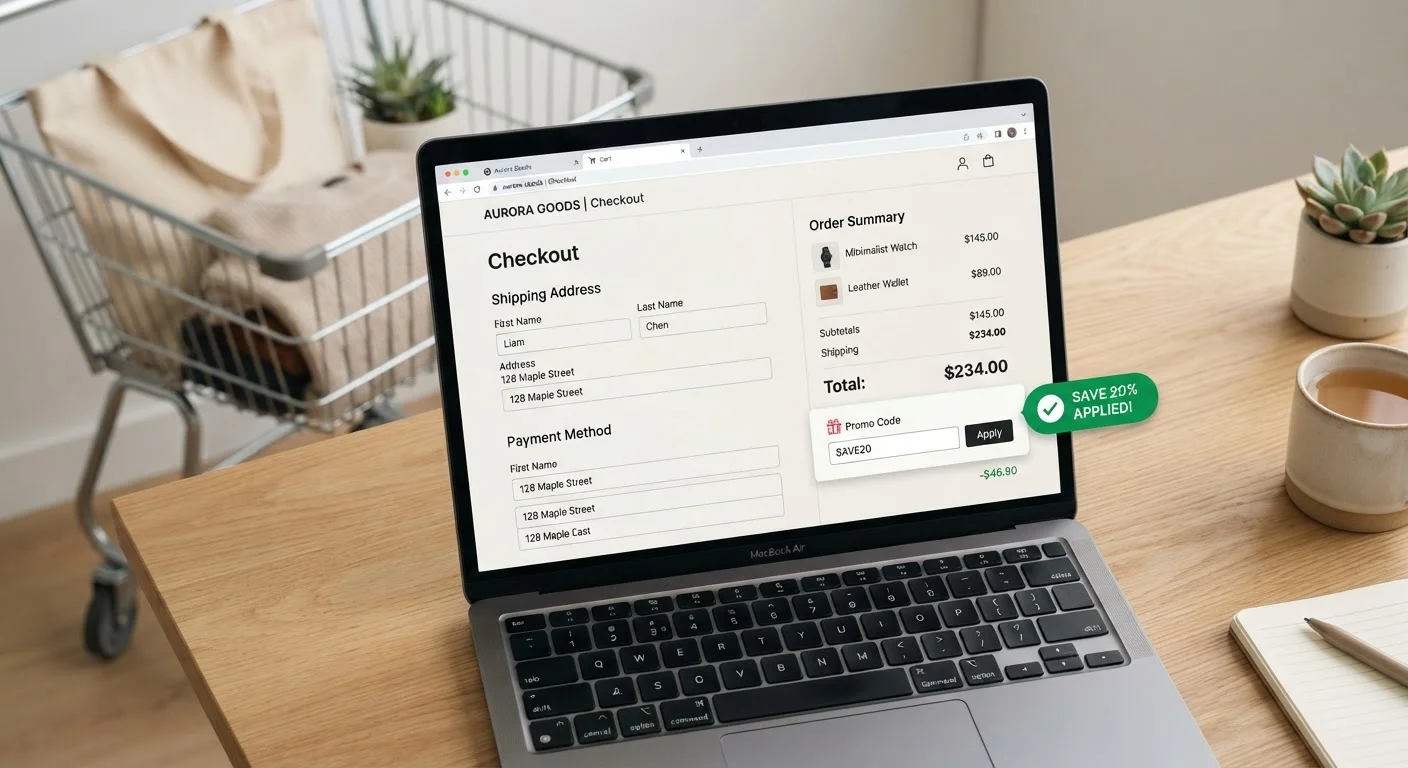
How Each Type Works at Checkout
The core difference between coupon codes and automatic discounts comes down to who triggers the savings. A coupon code - sometimes called a promo code or discount code - is a retailer-issued string of characters you enter into a designated field at checkout. Nothing happens until you type it in and apply it. An automatic discount, by contrast, is built into the cart logic: the system detects qualifying items or thresholds and reduces the price without any input from you.
This distinction shapes every part of the shopping experience. With coupon codes, the burden of discovery falls on you. Codes circulate through email campaigns, browser extensions, third-party deal aggregators, and loyalty programs. If you don't know a code exists, you pay full price - and the retailer isn't obligated to tell you. Automatic discounts are visible by design: sale tags, banner promotions, and cart-level messages signal the reduction before you even reach the payment screen.
For a broader breakdown of how discounts compare to rebates and coupons as financial instruments, see The Difference Between a Discount, a Rebate, and a Coupon.
| Criterion | Coupon Codes | Automatic Discounts |
|---|---|---|
| Activation | Manual - you enter the code | Automatic - system applies it |
| Discovery effort | High - requires research | Low - visible at point of sale |
| Stacking potential | Sometimes allowed with sales | Sometimes stackable with codes |
| Exclusions | Common; listed in code terms | Common; listed in promotion terms |
| Discount depth | Can be deeper or exclusive | Consistent; widely available |
| Price transparency | Requires comparing to market price | Subject to reference price inflation |
| Expiry risk | Codes expire; may fail at checkout | Sale period is usually clearly dated |
Stacking, Exclusions, and the Fine Print
Where things get complicated is stacking - applying more than one discount to a single order. Some retailers allow a coupon code on top of an automatic sale price, effectively compounding your savings. Others explicitly prohibit this, and their checkout systems will drop the automatic discount the moment a code is applied, or reject the code entirely. There's no universal rule, and the policy is rarely obvious until you experiment at checkout.
Exclusions are another friction point. Coupon codes frequently carry category or brand restrictions embedded in the terms. An automatic discount on a sitewide sale may quietly exclude clearance items, new arrivals, or specific brands - categories spelled out only in fine-print terms. Before assuming a discount applies to your whole cart, verify each item individually.
Over 60%
Of online shoppers look for a code before checkout
According to CouponFollow's annual coupon survey, a strong majority of U.S. online shoppers actively search for a promo code before completing a purchase.
~30%
Of promotions involve inflated reference prices
Research published by consumer advocacy organizations has found that a significant share of retail "sale" pricing relies on elevated original prices as anchors.
It's also worth knowing that automatic discounts can be a vehicle for misleading pricing. A product marked "40% off" means little if the original reference price was artificially inflated. This practice - sometimes called reference price inflation - is a documented retail tactic that regulators have scrutinized. Coupon codes aren't immune either, but because they require active distribution, there's typically more transparency in how the final price compares to what competitors charge. The Couponing Myths That Mislead Casual Shoppers article covers related misconceptions in detail.
Making the Comparison Work in Your Favor
The practical takeaway is that neither type is inherently better - they're tools with different profiles. Automatic discounts are reliable and low-effort; coupon codes can deliver steeper savings but demand more from you upfront. The smartest approach treats them as potentially complementary rather than interchangeable.
Before completing any purchase of consequence, run a quick mental checklist: Is there an automatic promotion already applied? Is there a code circulating that might stack or replace it with something deeper? Is the "original" price a genuine baseline or a marked-up anchor? These questions take seconds and can save real money - or, just as importantly, reveal that a promotion isn't as valuable as it appears.
For context on how these dynamics differ across shopping channels, Savings Strategies for Online vs. In-Store Shopping offers a practical side-by-side look. And if you're evaluating whether an instant discount beats a cashback offer, Cashback vs. Instant Discount walks through how to run that comparison objectively.
Understanding your consumer rights as a shopper also matters here - especially when a promotion doesn't apply as advertised or a price changes between the cart and the final confirmation screen.
When a Code Field Appears, Check It
The presence of a promo code entry box at checkout is itself a signal - it means the retailer runs code-based promotions. Even if you don't have a code memorized, a quick search before completing the purchase takes under a minute. Browser extensions that auto-test codes exist, though their reliability and privacy implications vary; use them with that trade-off in mind.